What Is Protemp S1
The Ultimate BBQ Game Changer
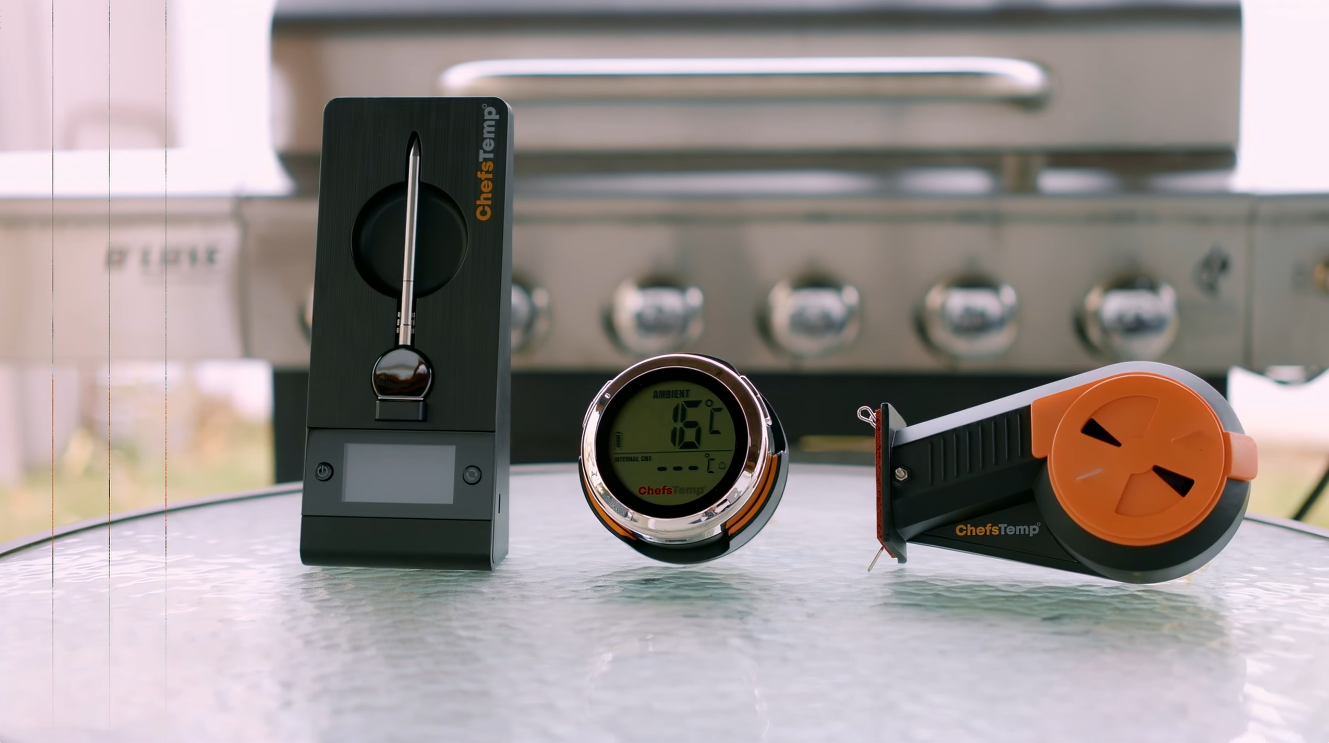
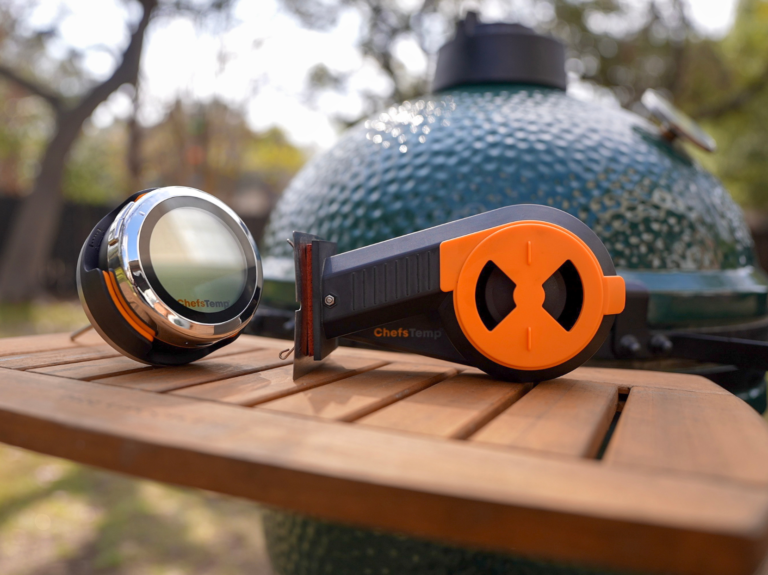
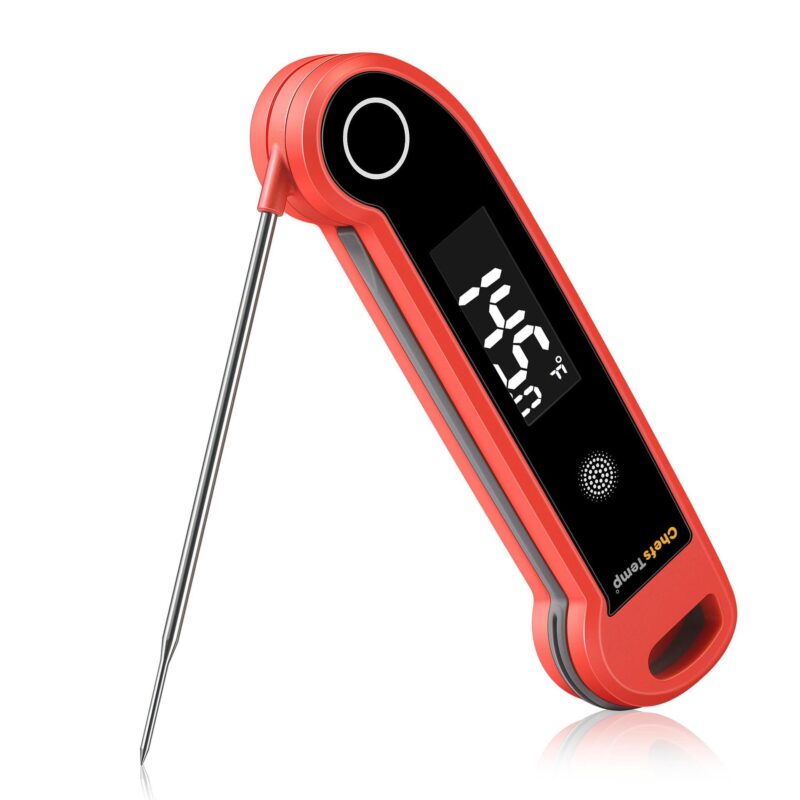
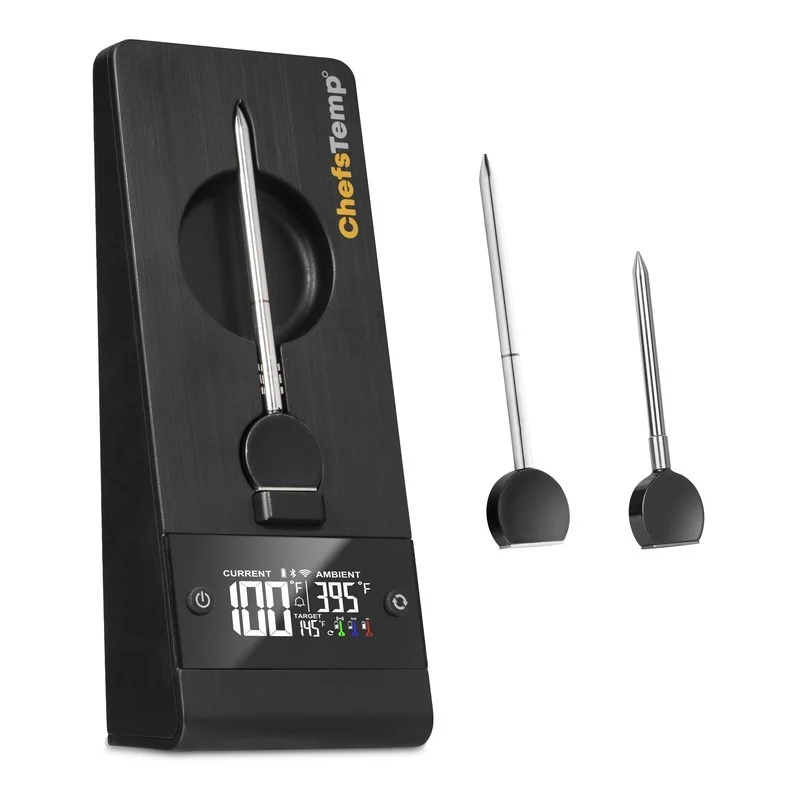
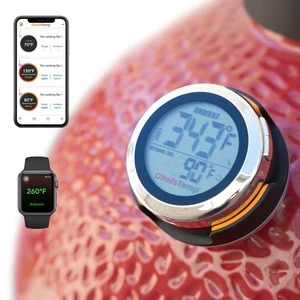
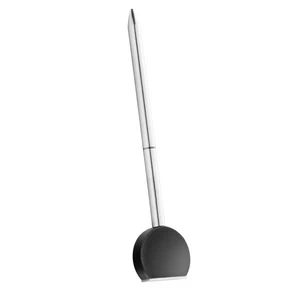
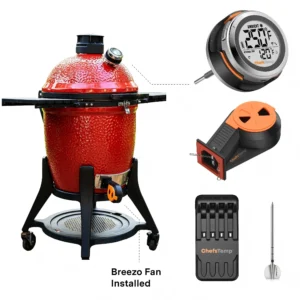
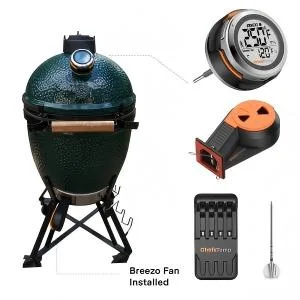
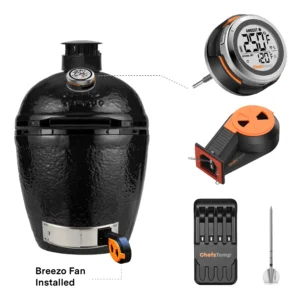
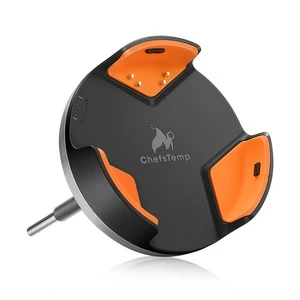
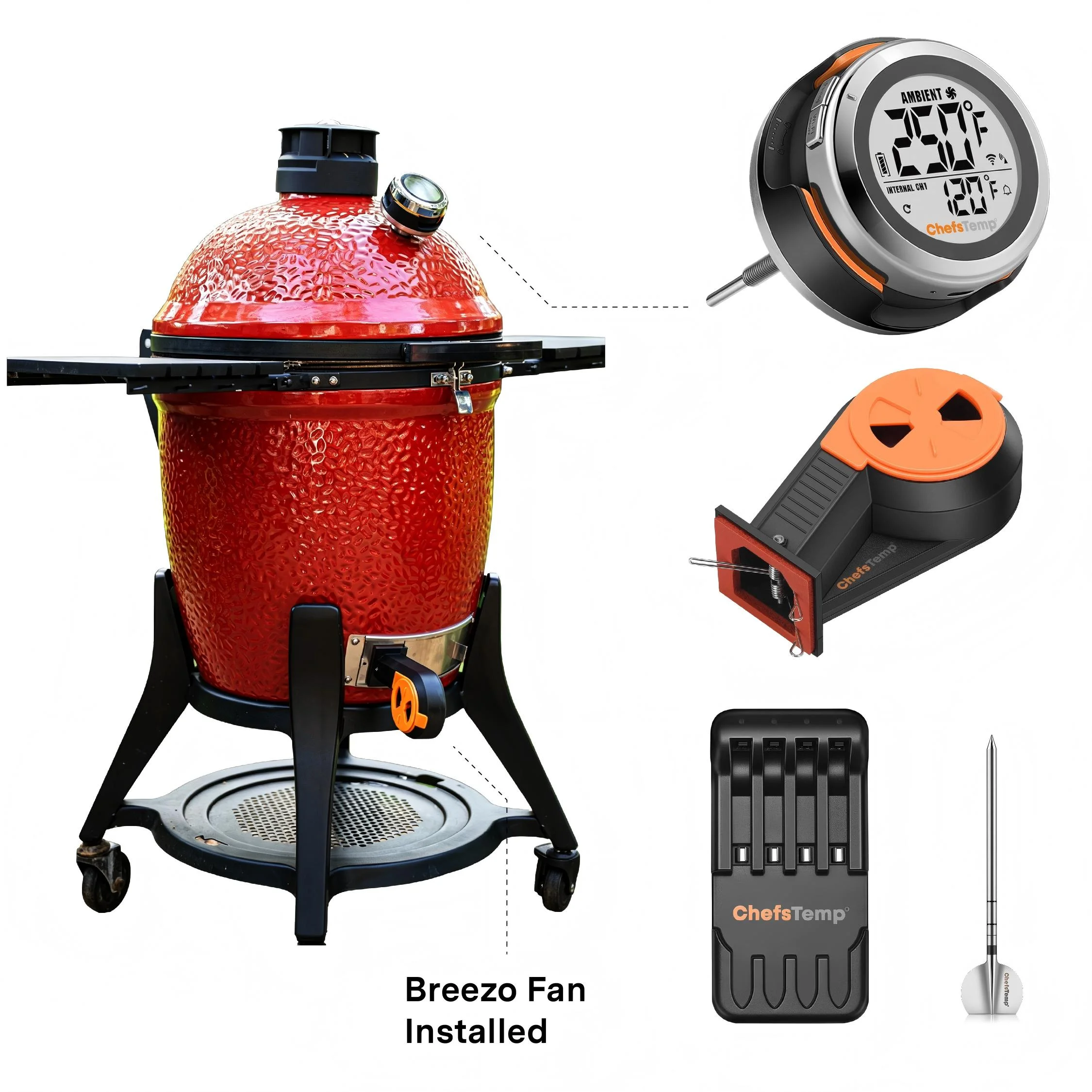
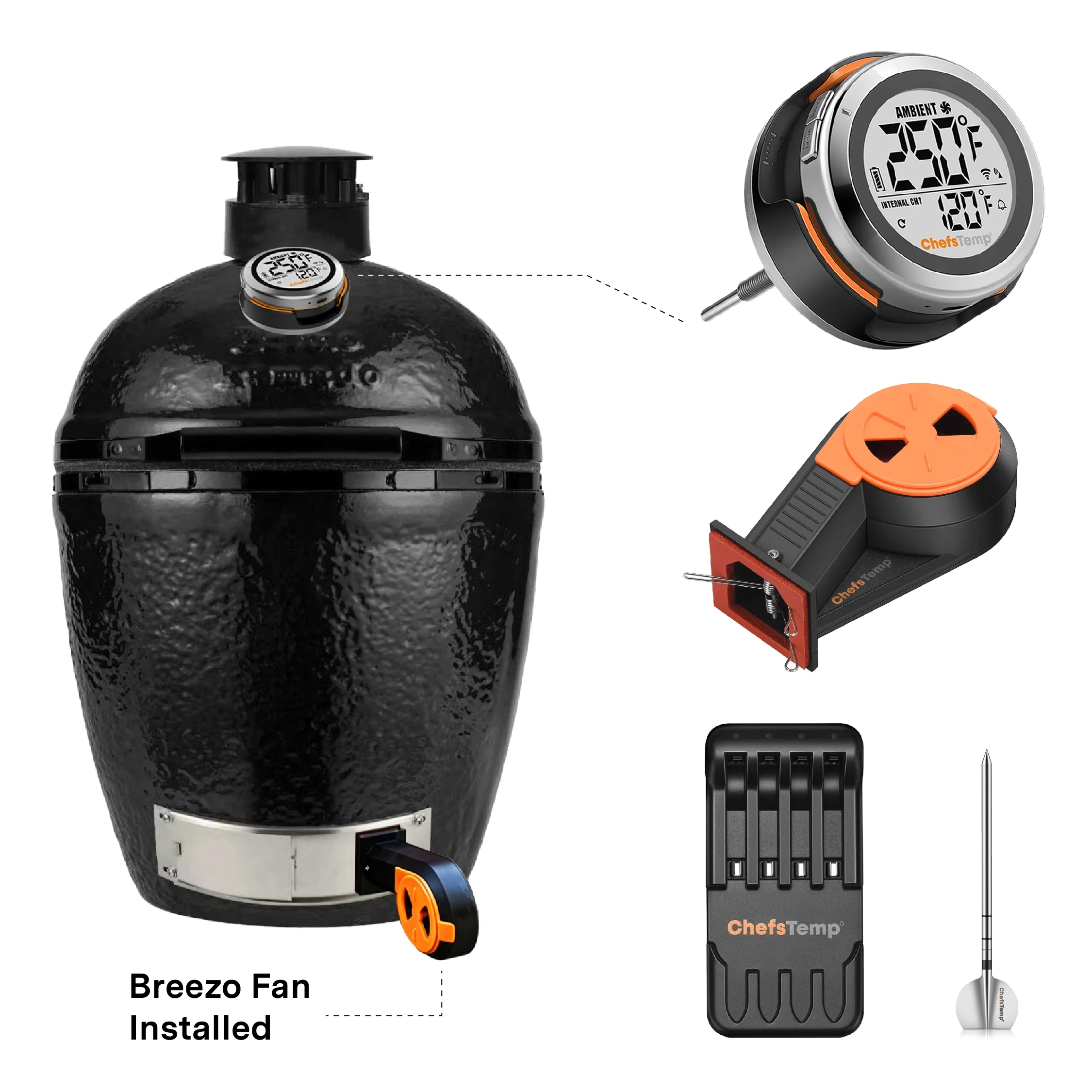
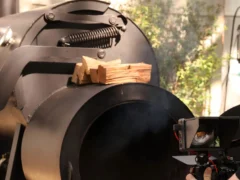
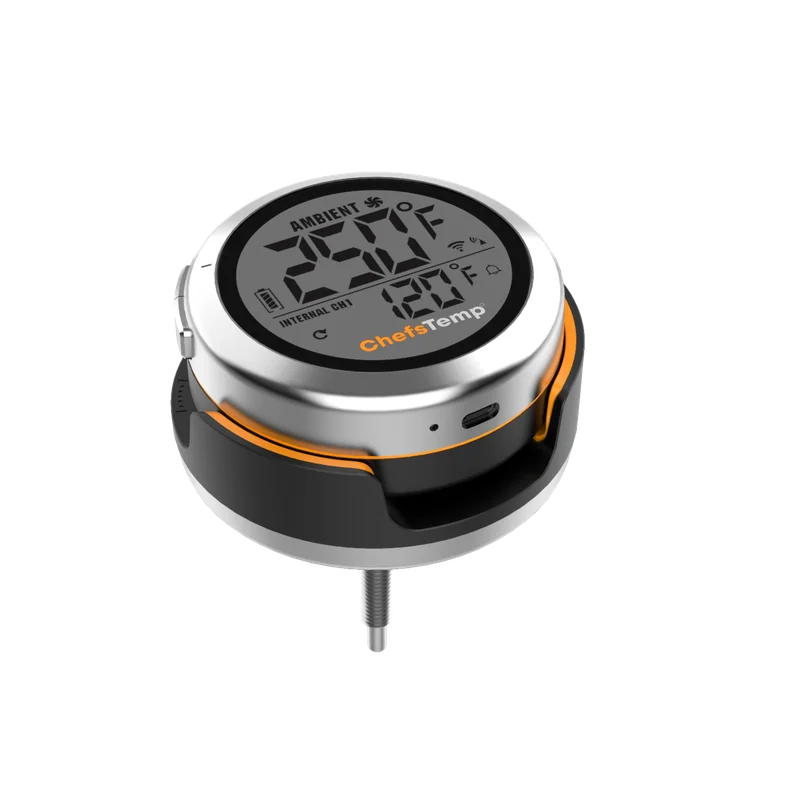
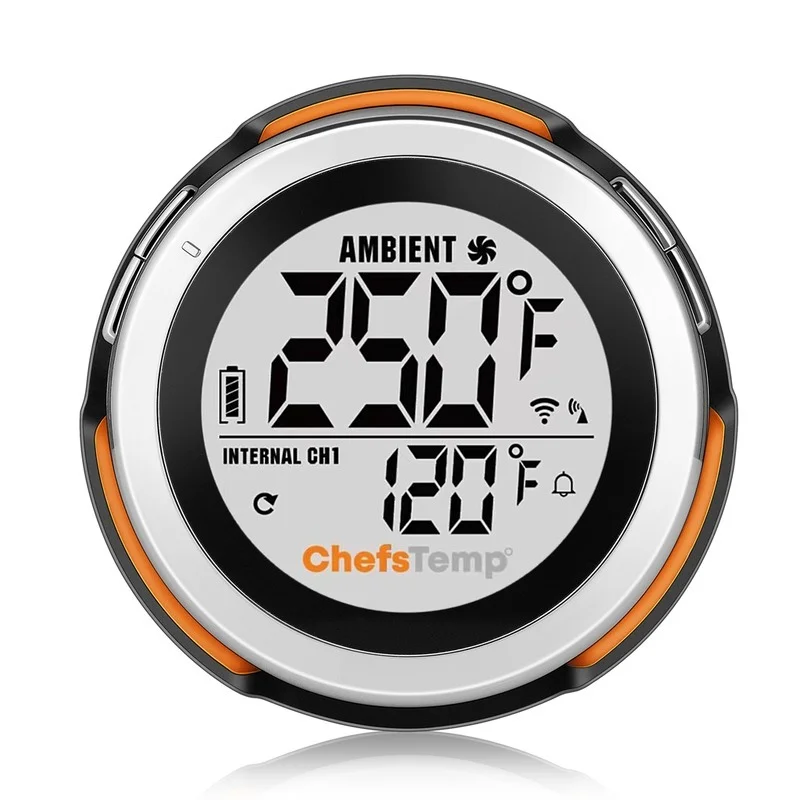
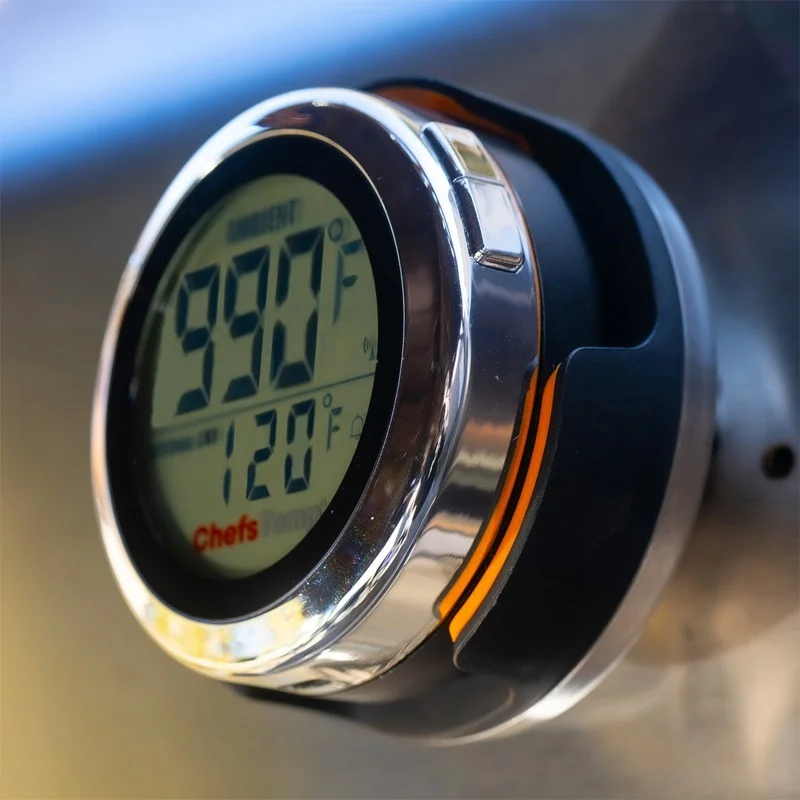
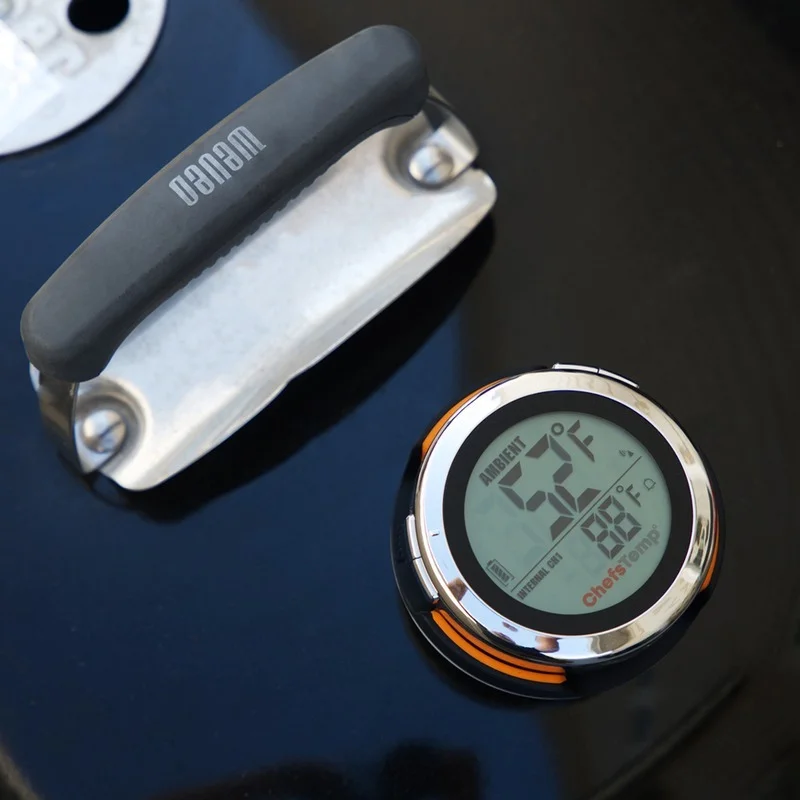
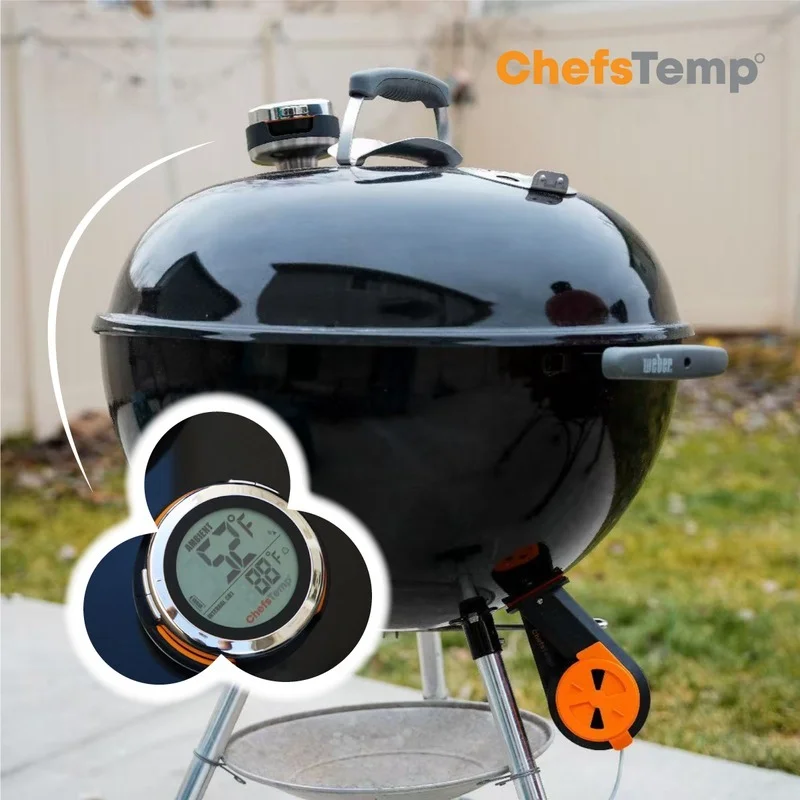
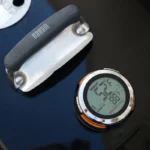
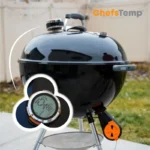
A clean, simple setup that keeps your cooking area organized and clutter-free.
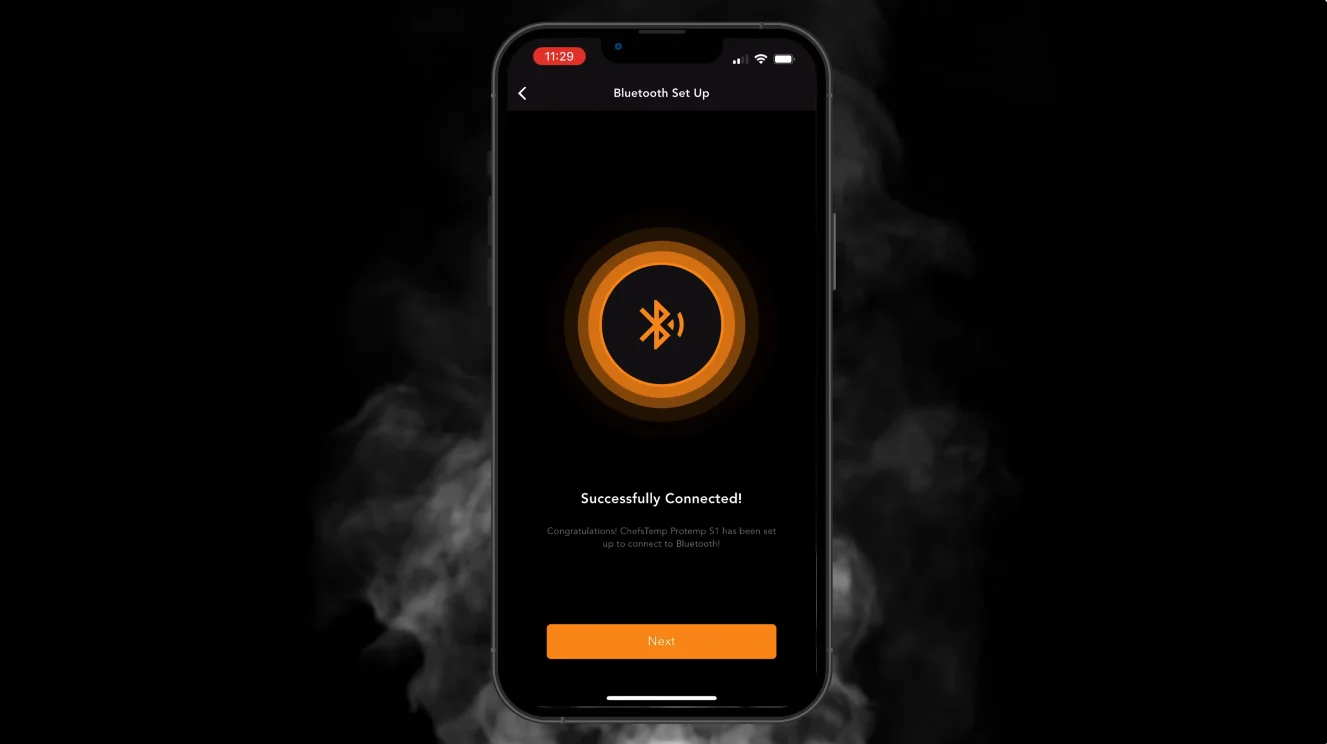
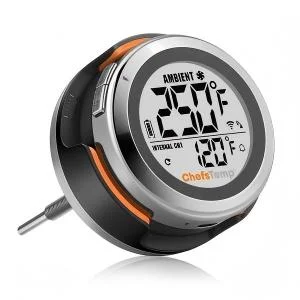
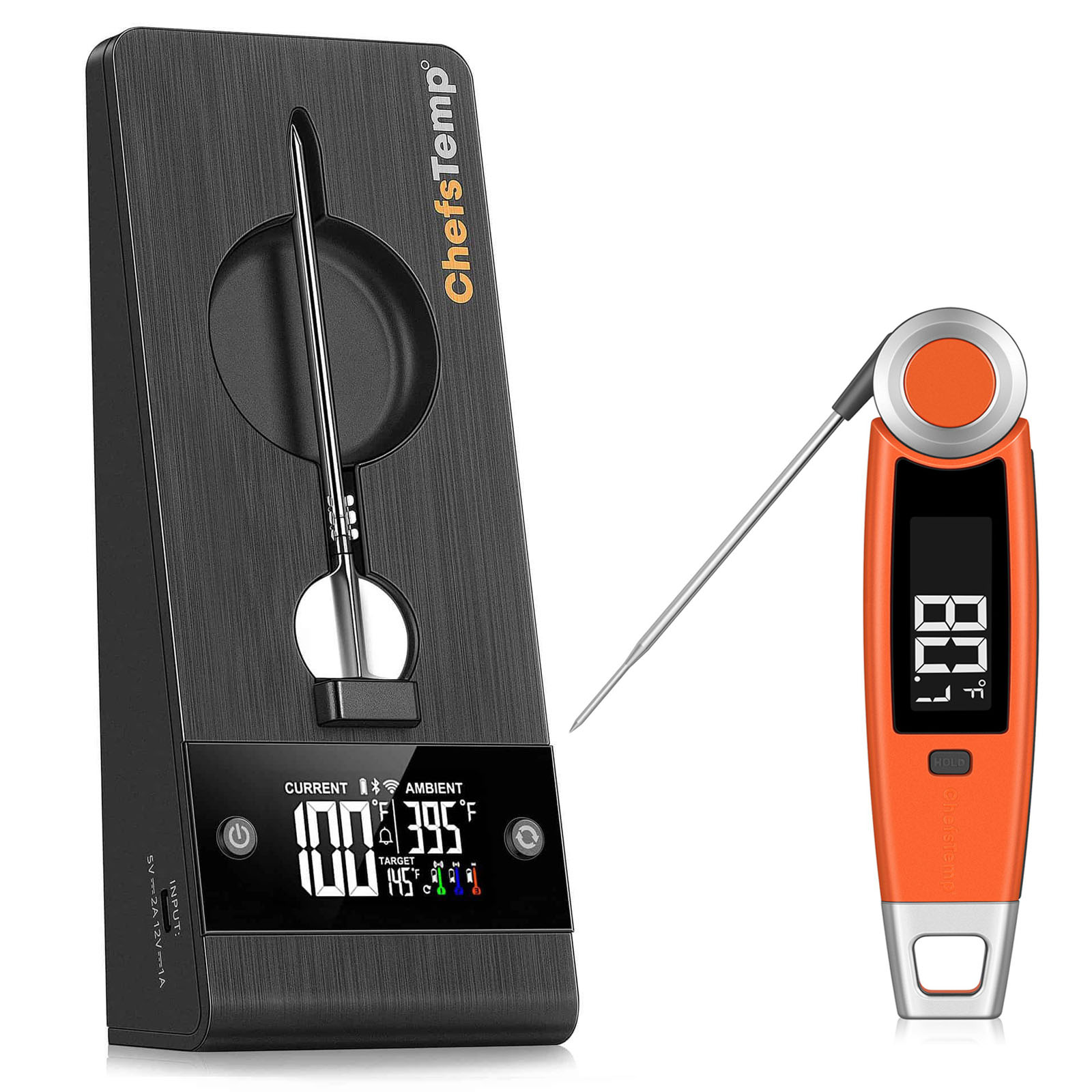
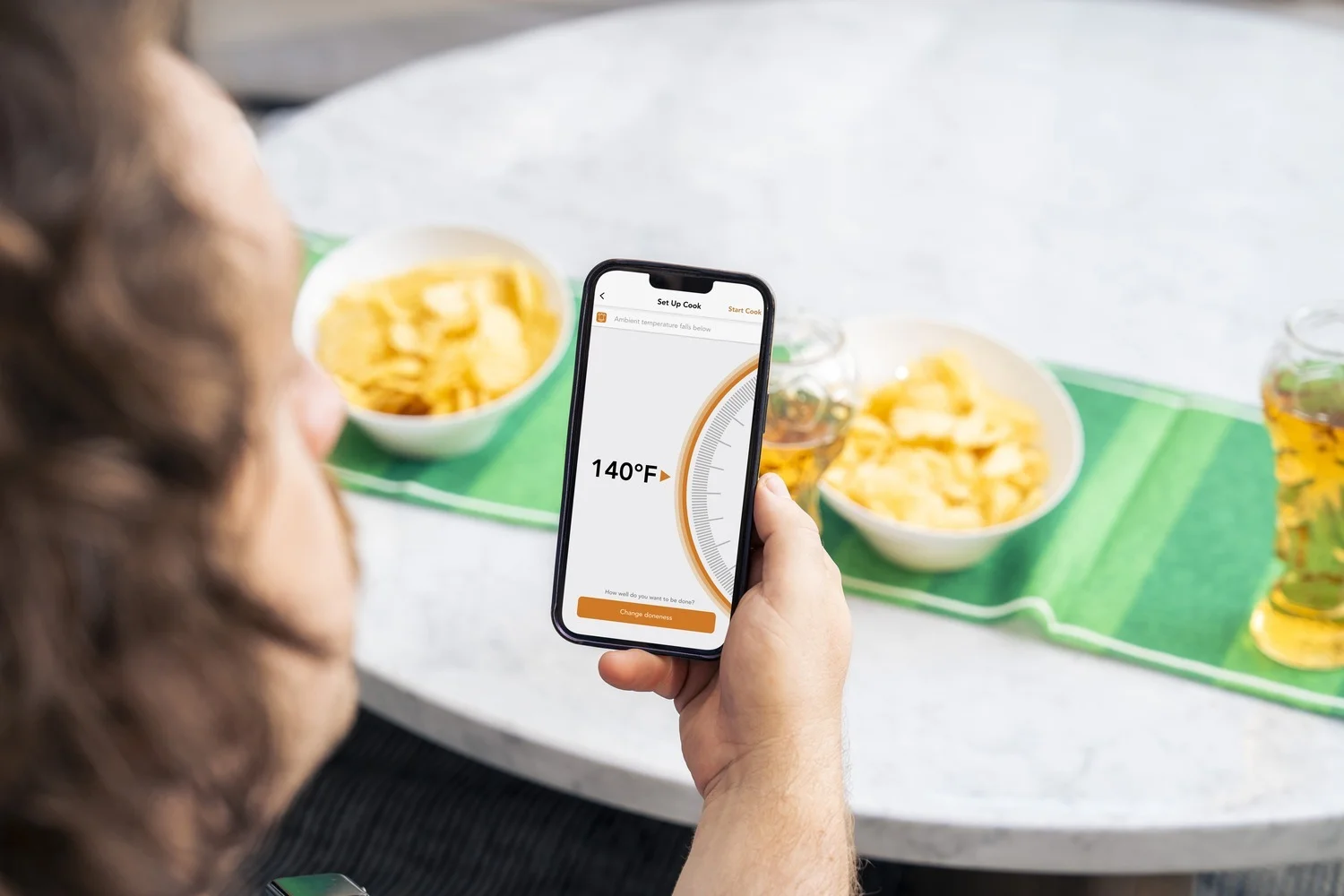
Wi-Fi & Bluetooth Monitoring
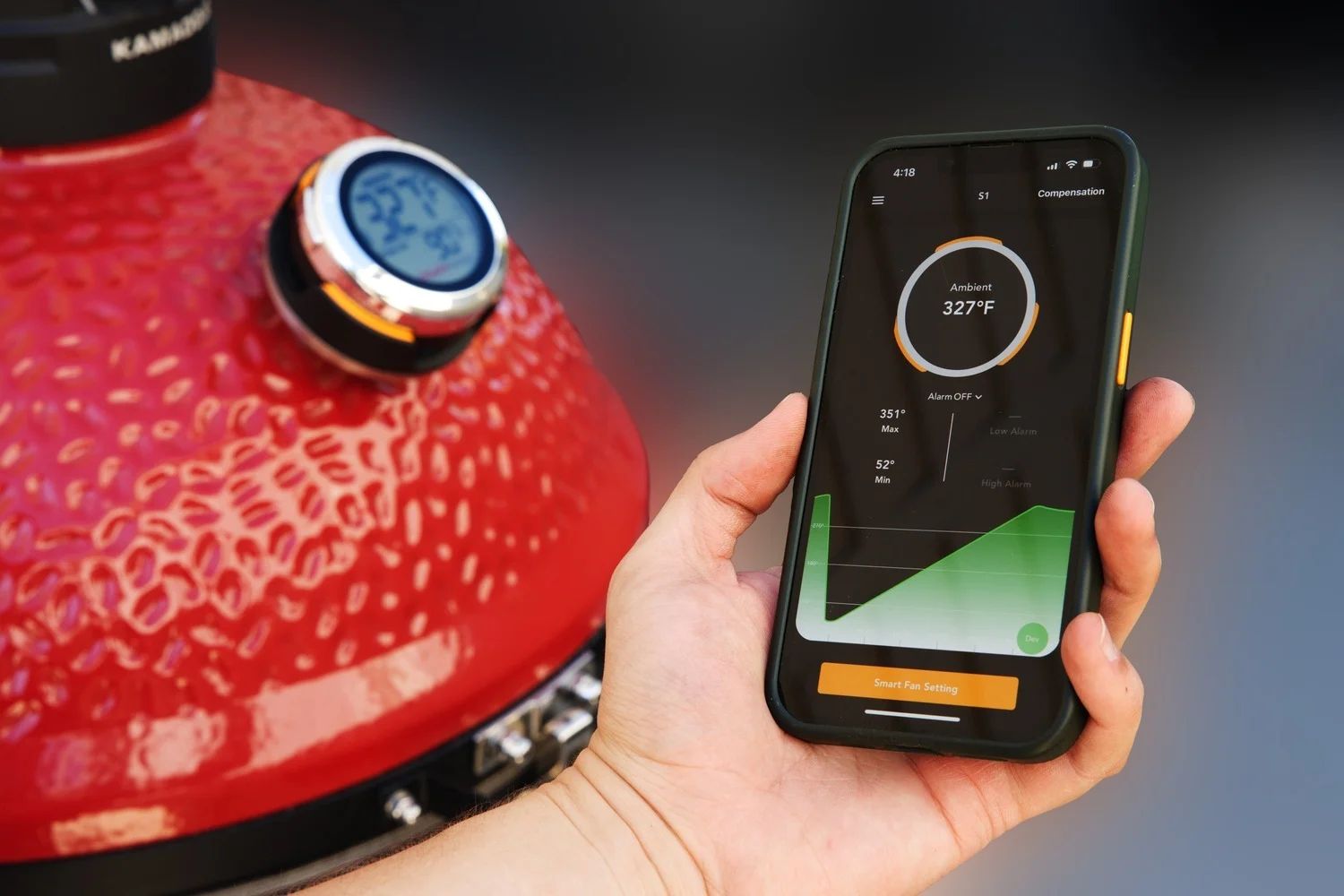
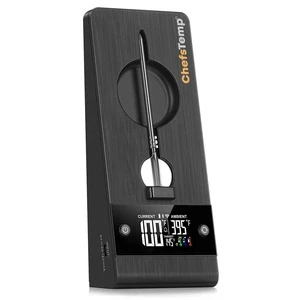
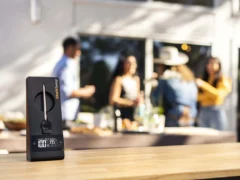
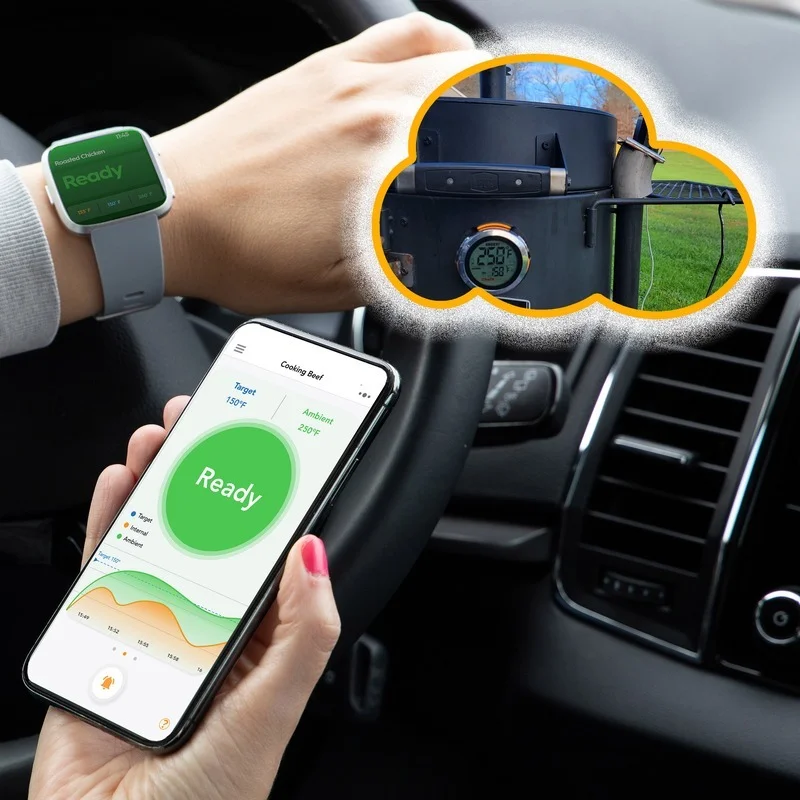
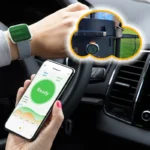
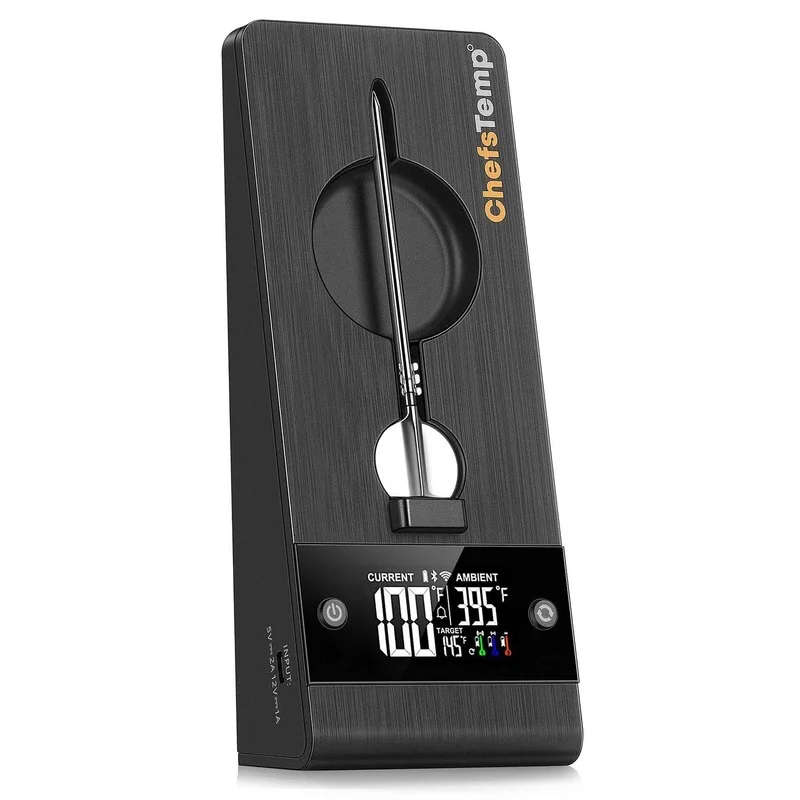
Track your pit and meat temperatures in real-time from anywhere. Whether you’re elsewhere in the house or away from home, your cook is always at your fingertips via the ChefsTemp App.
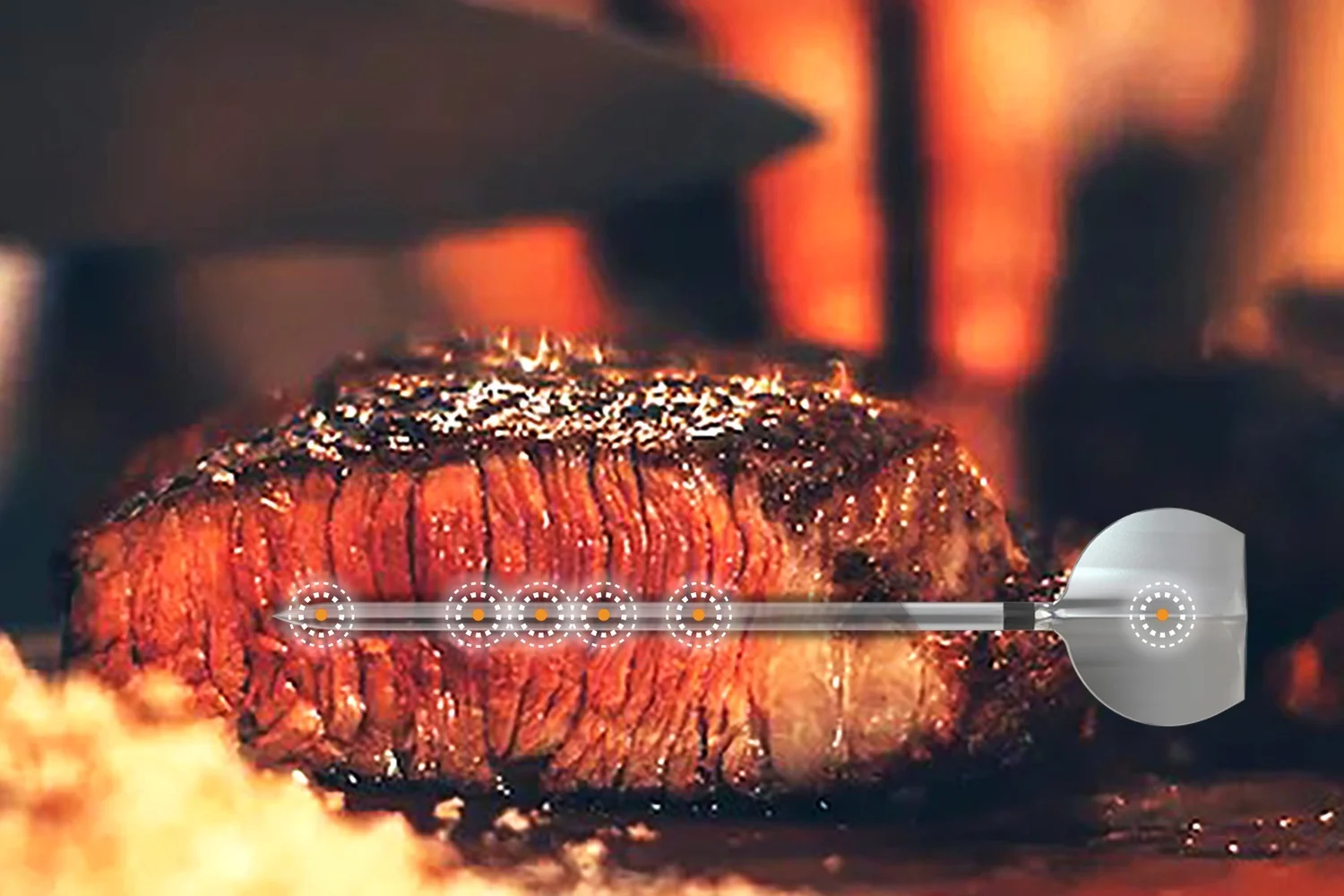
High-Precision Sensor
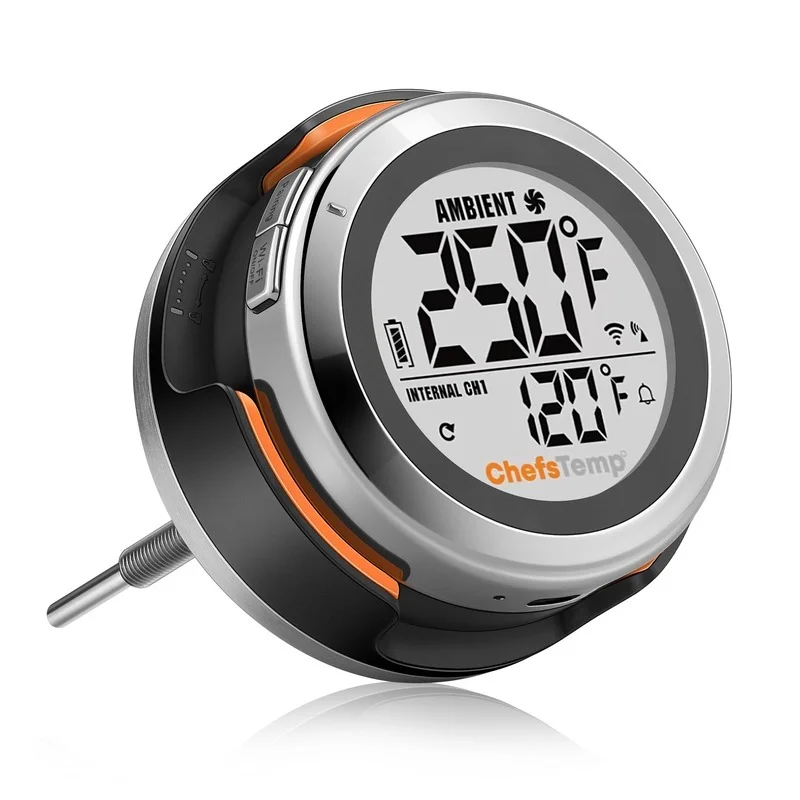
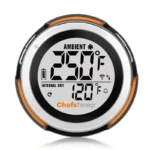
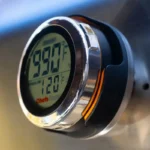
Engineered for extreme performance, ProTemp S1 features a 1000°F(530°C) range with 10x the accuracy of traditional gauge thermometers.
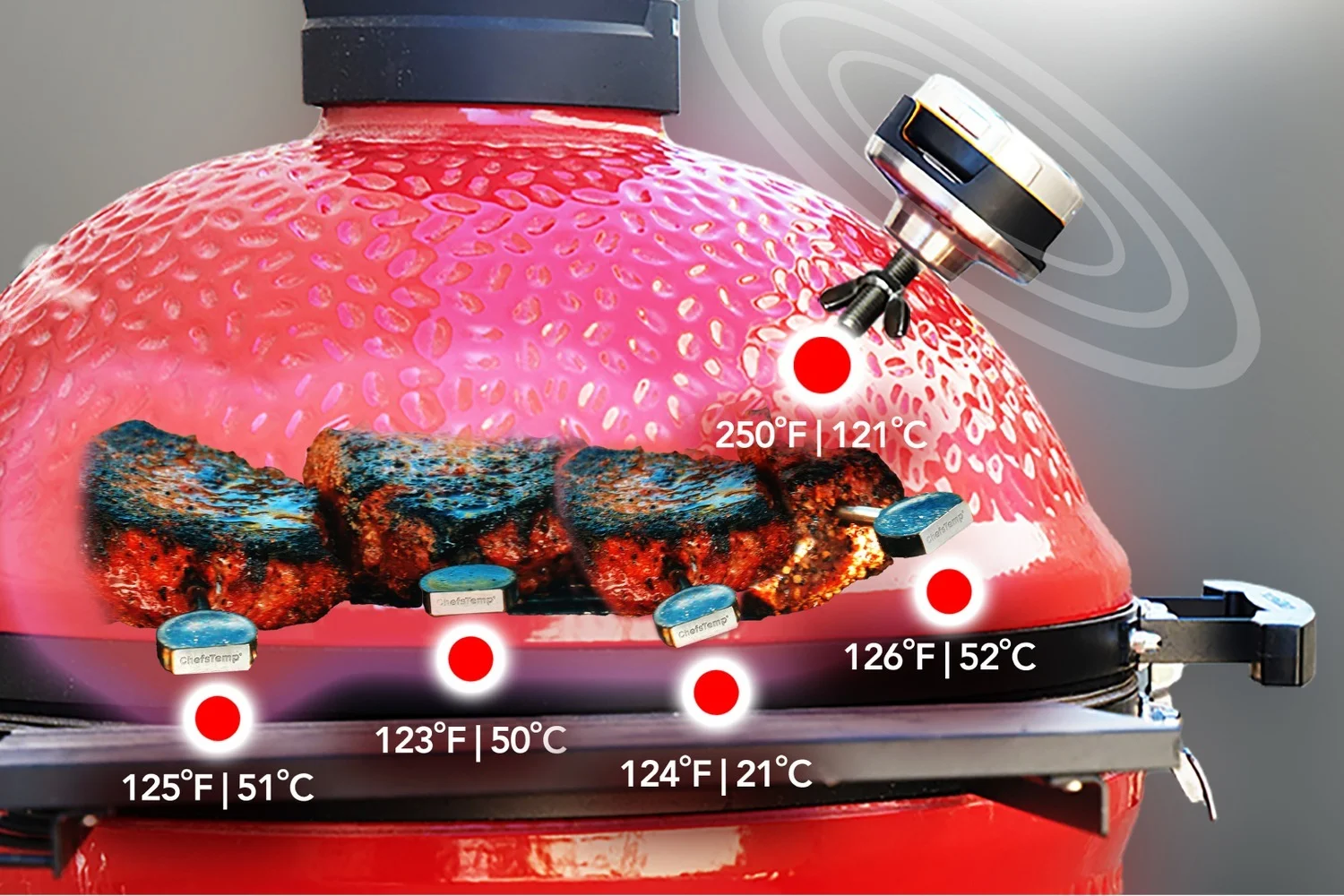
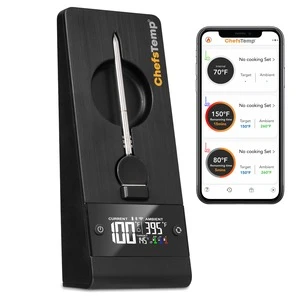
Multi-Probe Compatibility
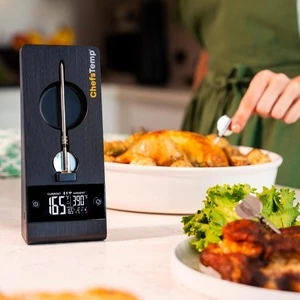
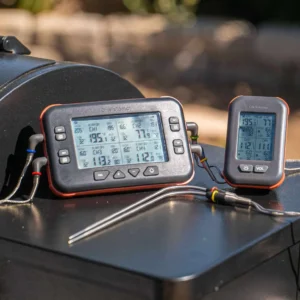
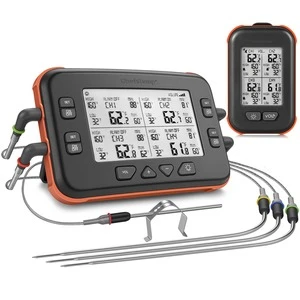
Effortlessly monitor multiple cuts at once. The system supports up to four wireless probes simultaneously, ensuring every piece of meat reaches its perfect internal temp.
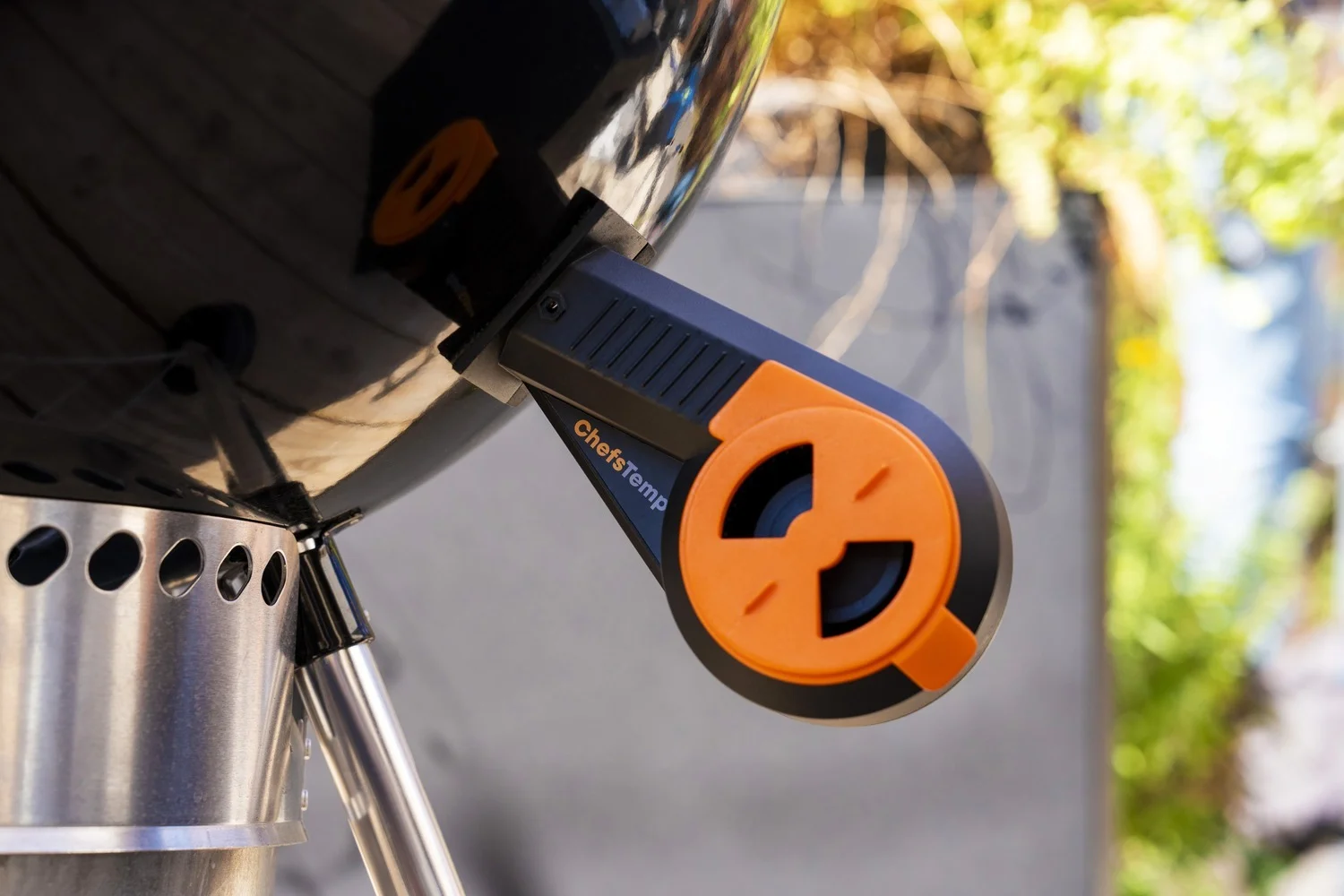
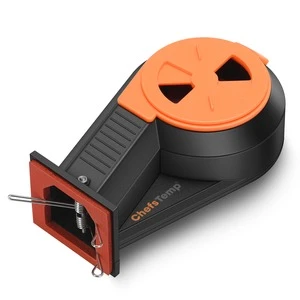
Automated Temp Control
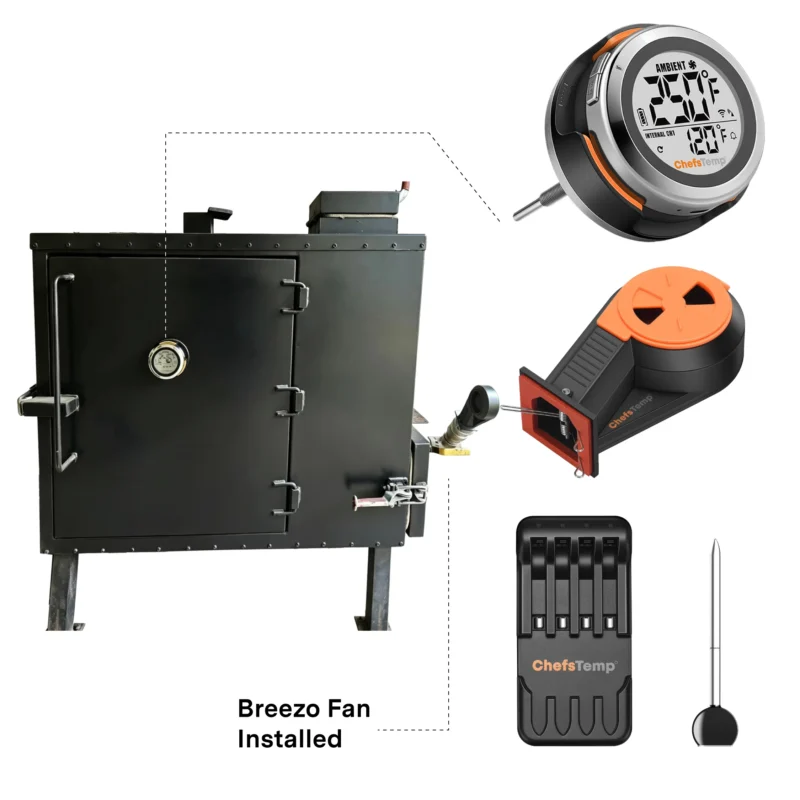
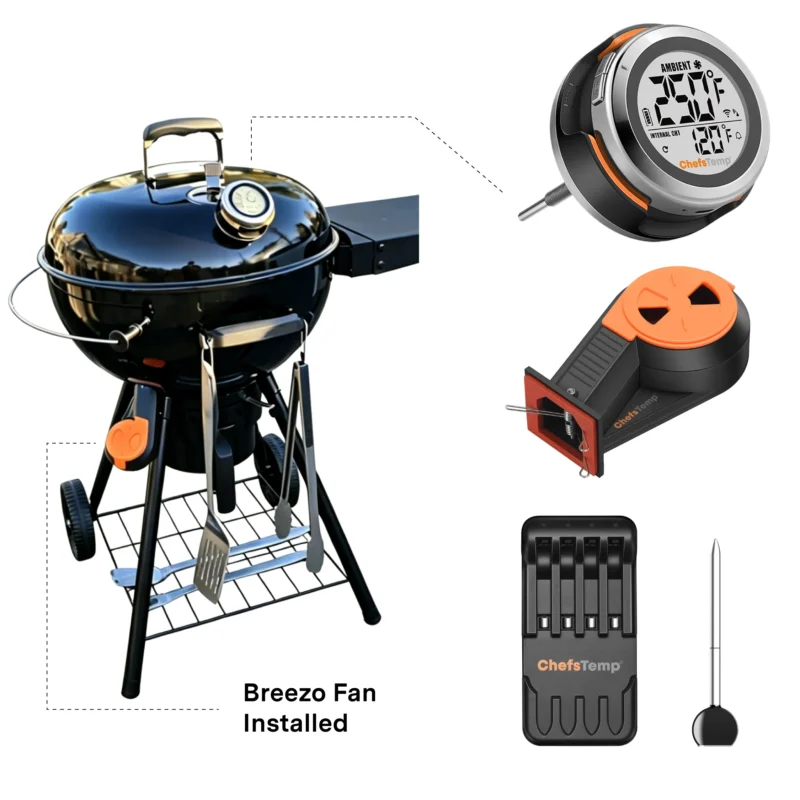
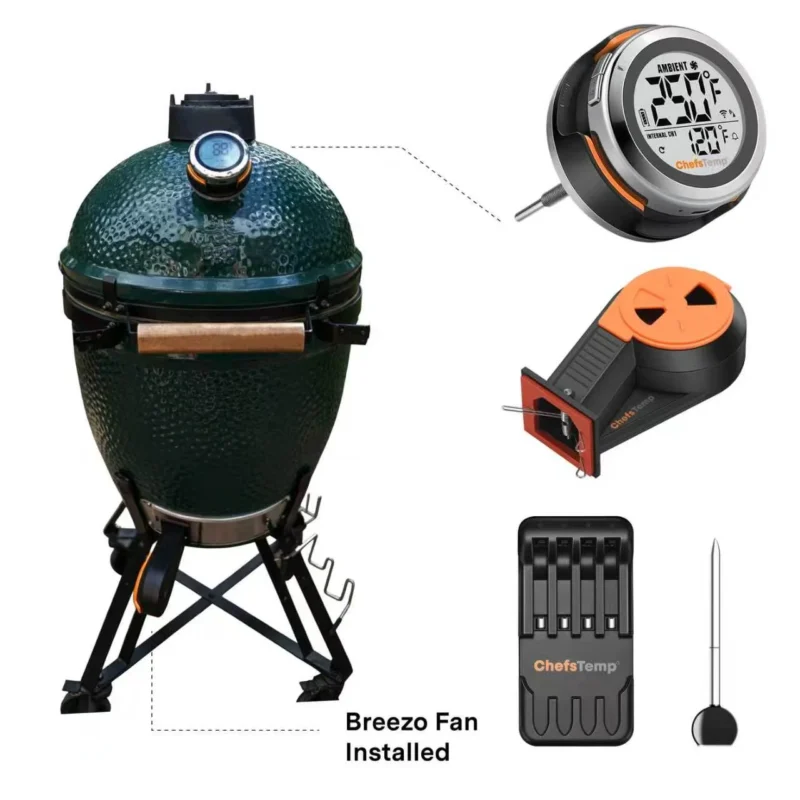
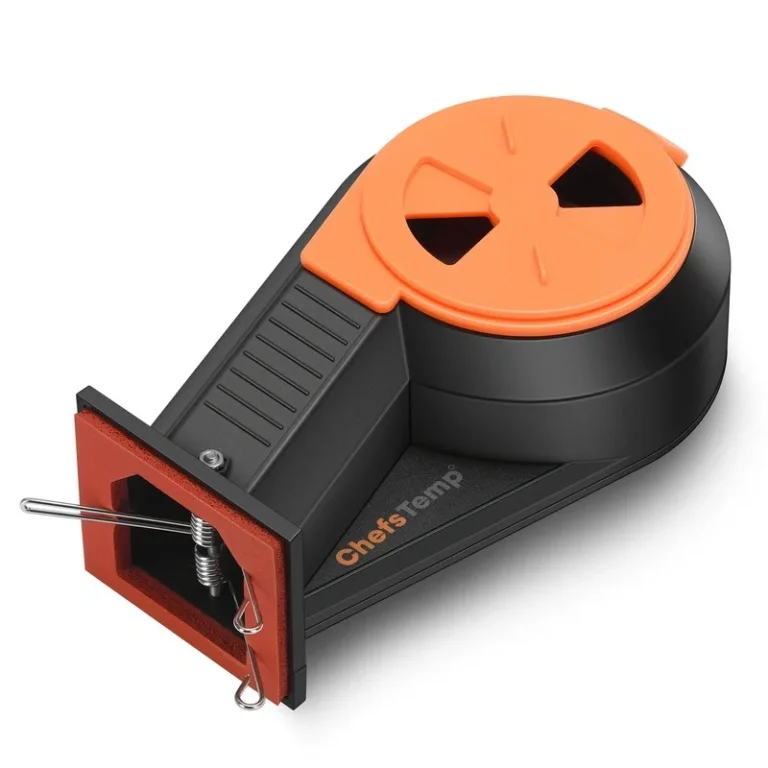
Pair with the Breezo V2 fan for true set-it-and-forget-it performance. ProTemp S1 intelligently regulates airflow to maintain your target temperature, eliminating the need to babysit your fire.
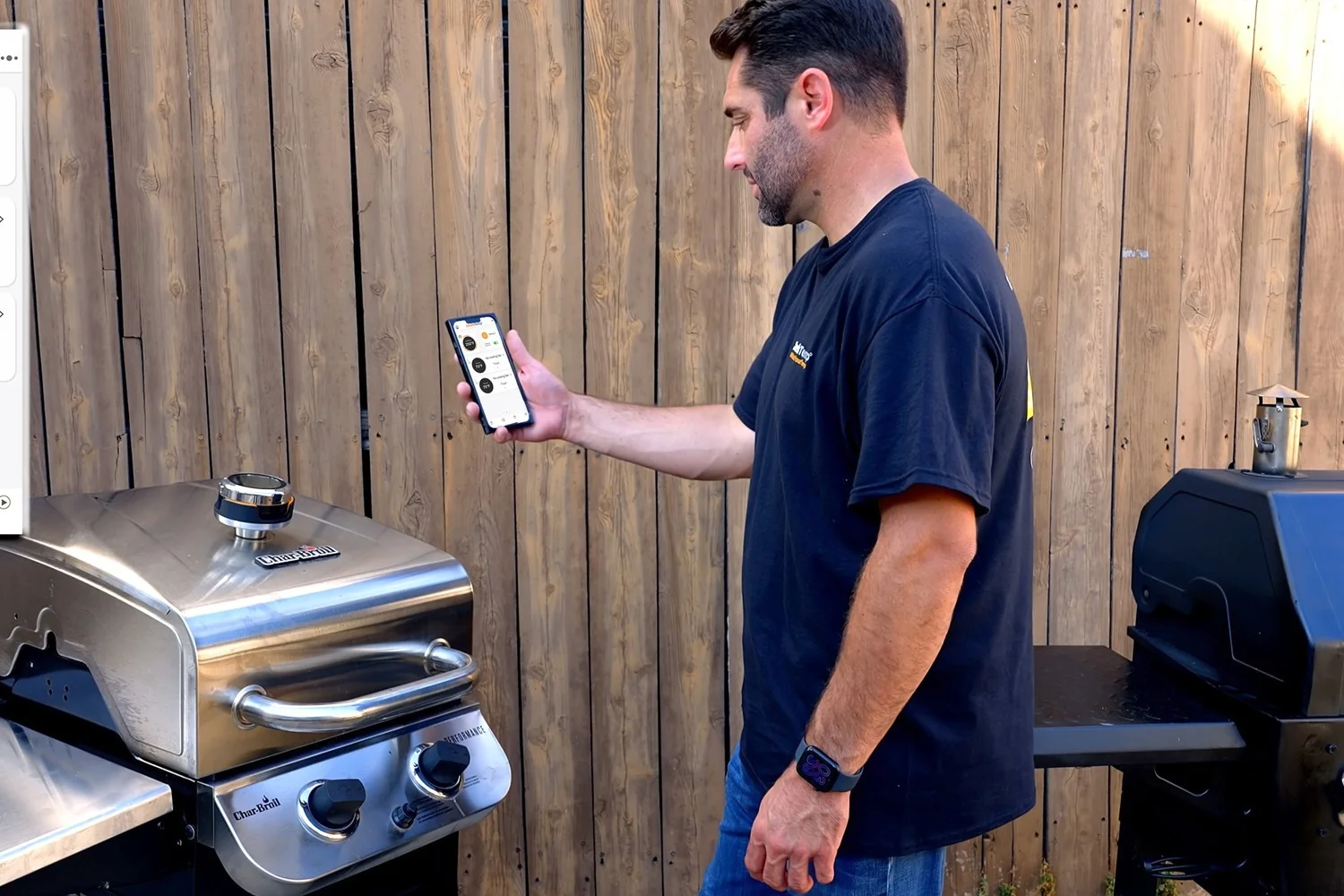
Monitor Your Grill from Anywhere
- The ProTemp S1 provides reliable, real-time wireless temperature tracking through Wi-Fi and Bluetooth. Receive precision alerts on your phone or Apple Watch the moment your temps shift.
- For advanced setups, the ChefsTemp app supports up to three simultaneous S1 units, allowing for seamless, swipe-to-switch monitoring across your entire BBQ station.
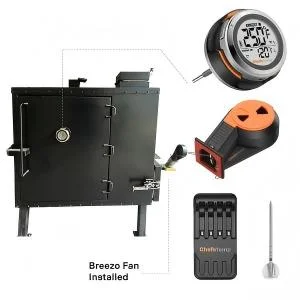
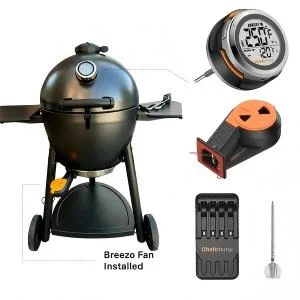
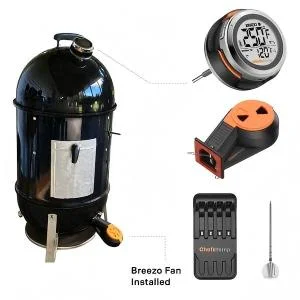
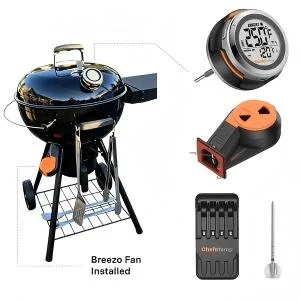
Compatible with Almost Grill/Smoker
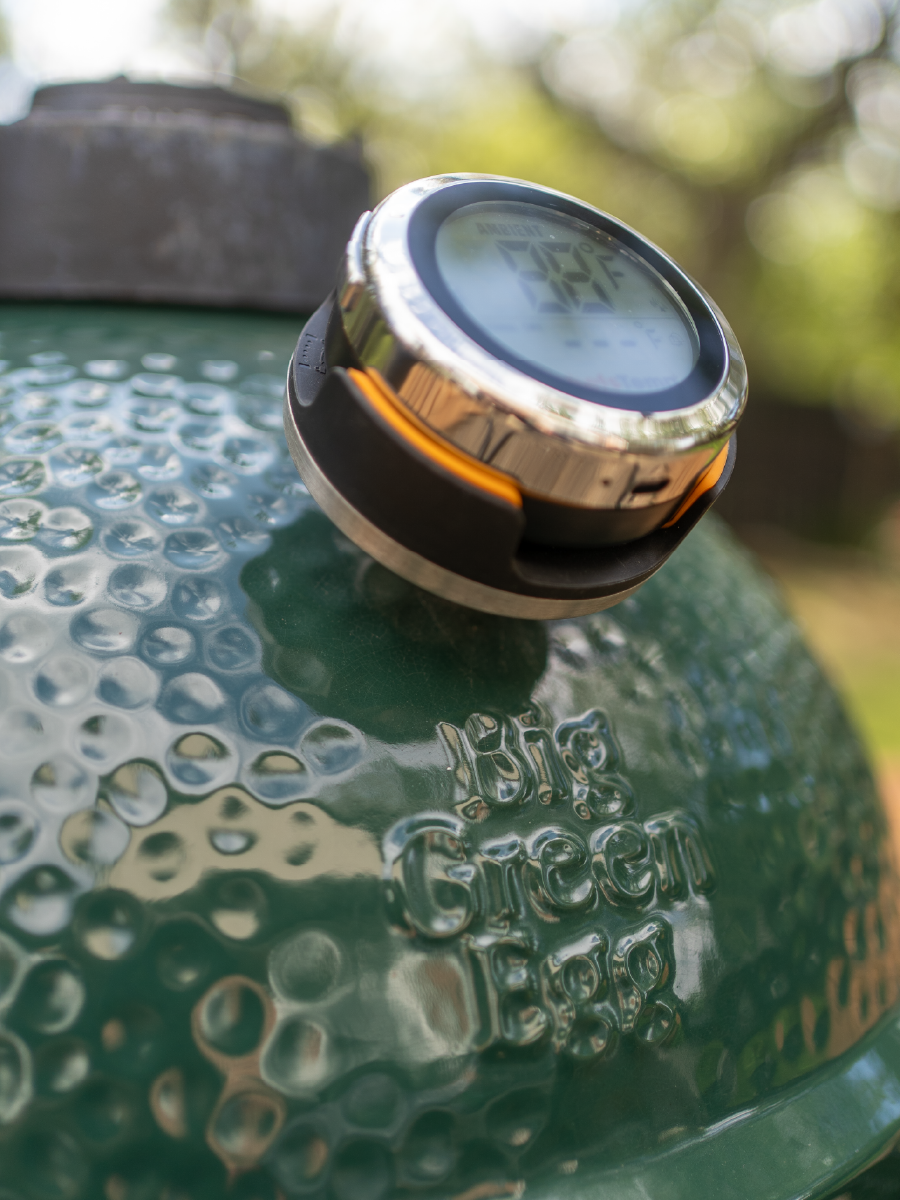
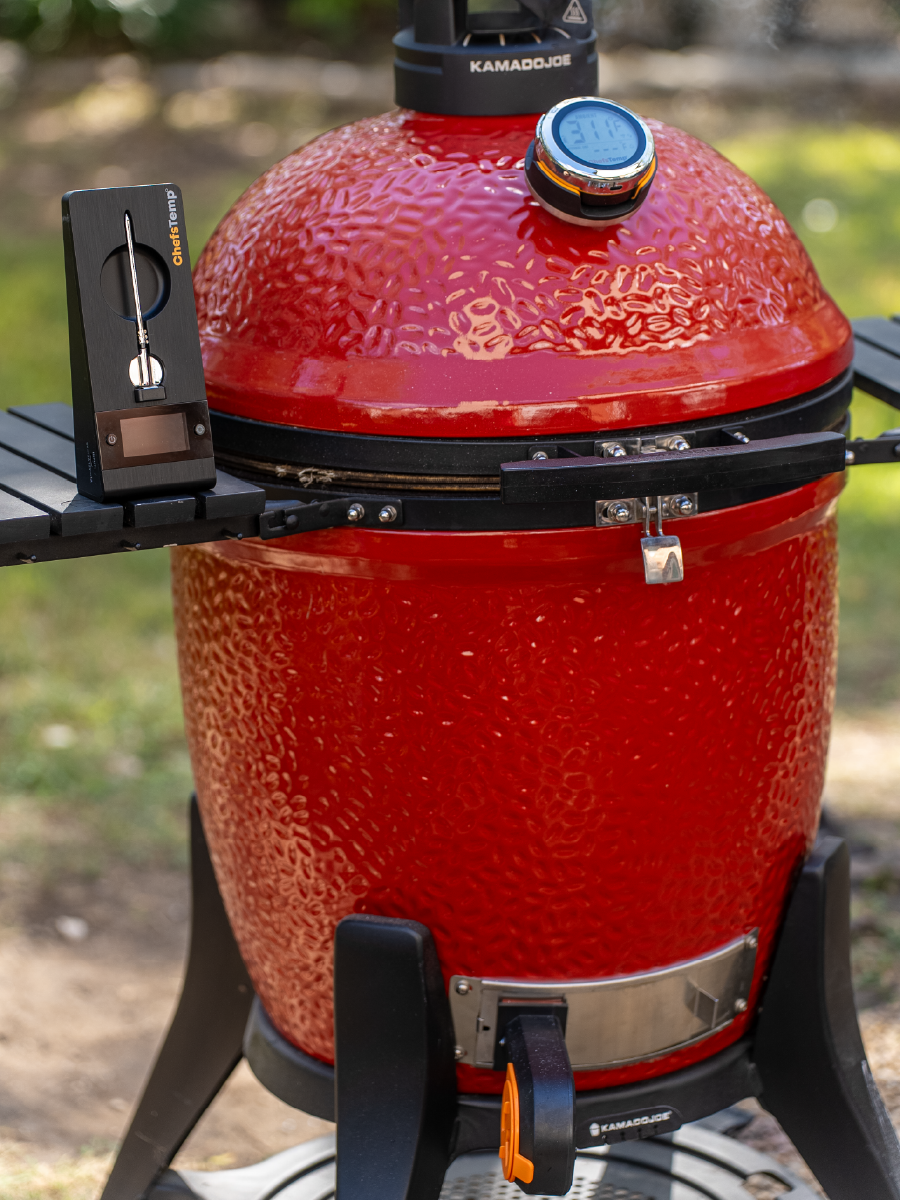
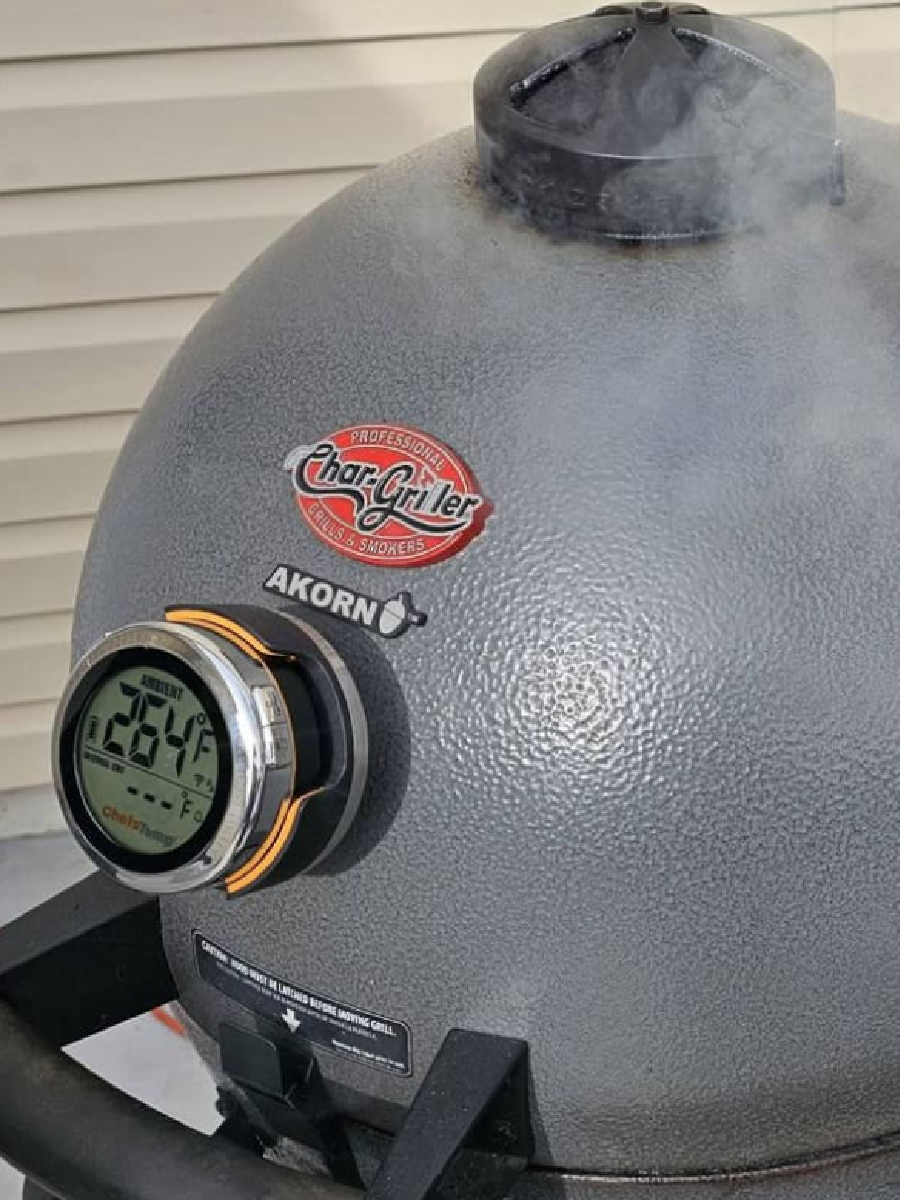
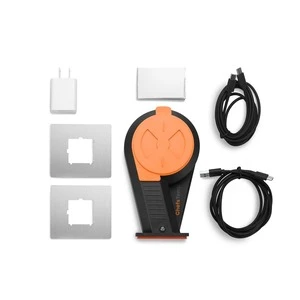
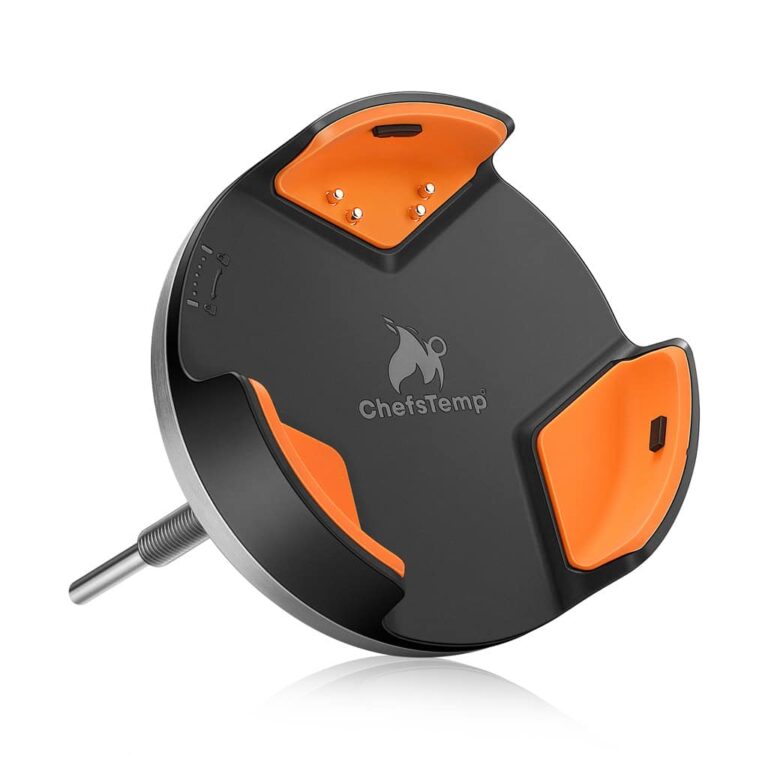
The ProTemp S1 is designed for versatility, allowing you to mount it on nearly any grill or smoker with its 5V/3A DC Adapter. Easily replace your existing dial gauge or drill a hole to install the S1 wherever you prefer (Do not drill ceramic grills).
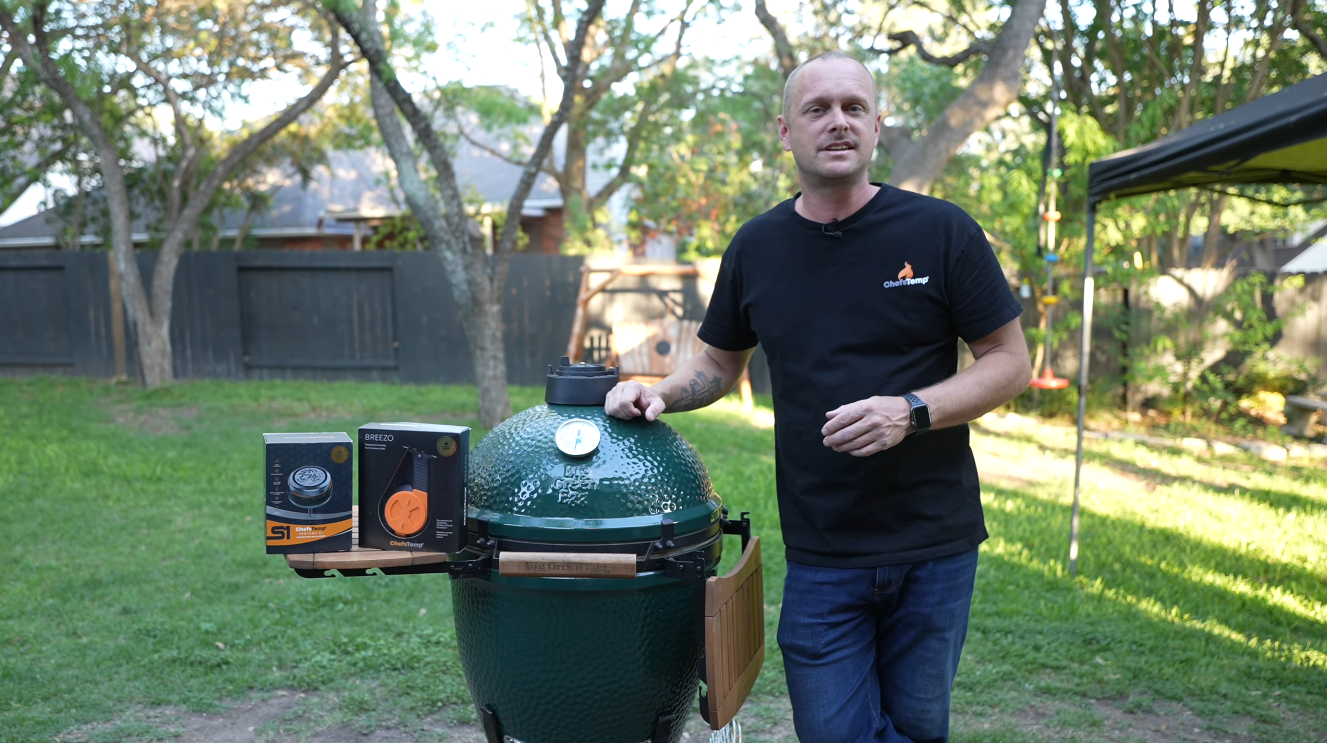
Big Green Egg
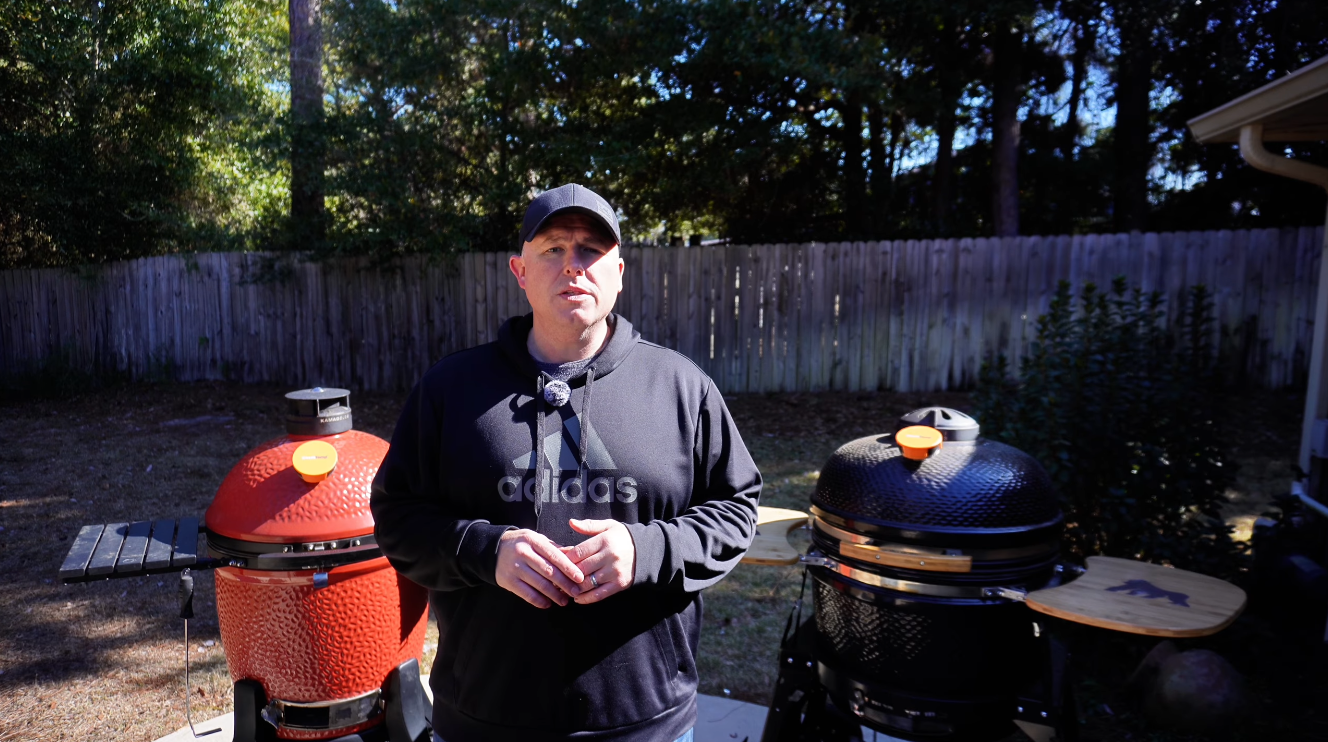
Kamado Joe
Akorn, Vision or Other Kamdo Grills
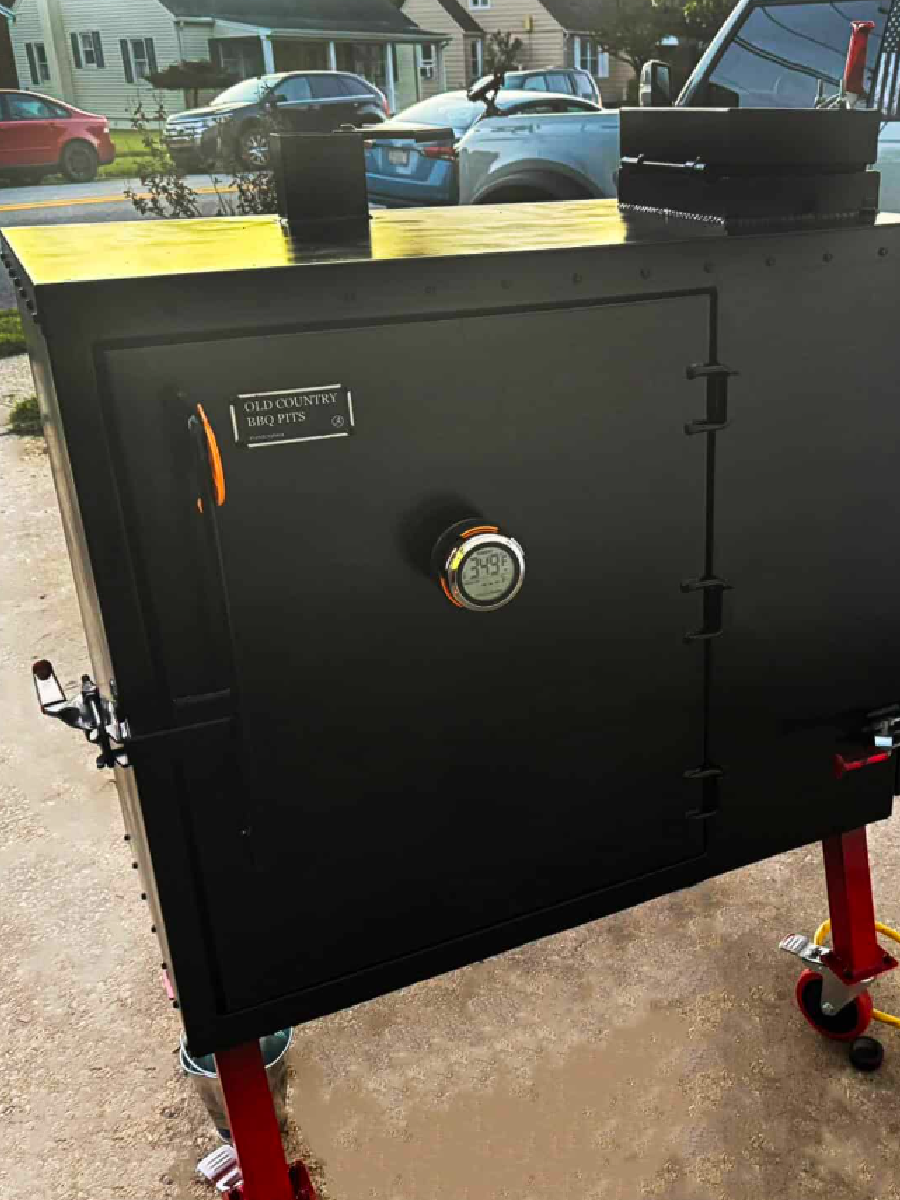
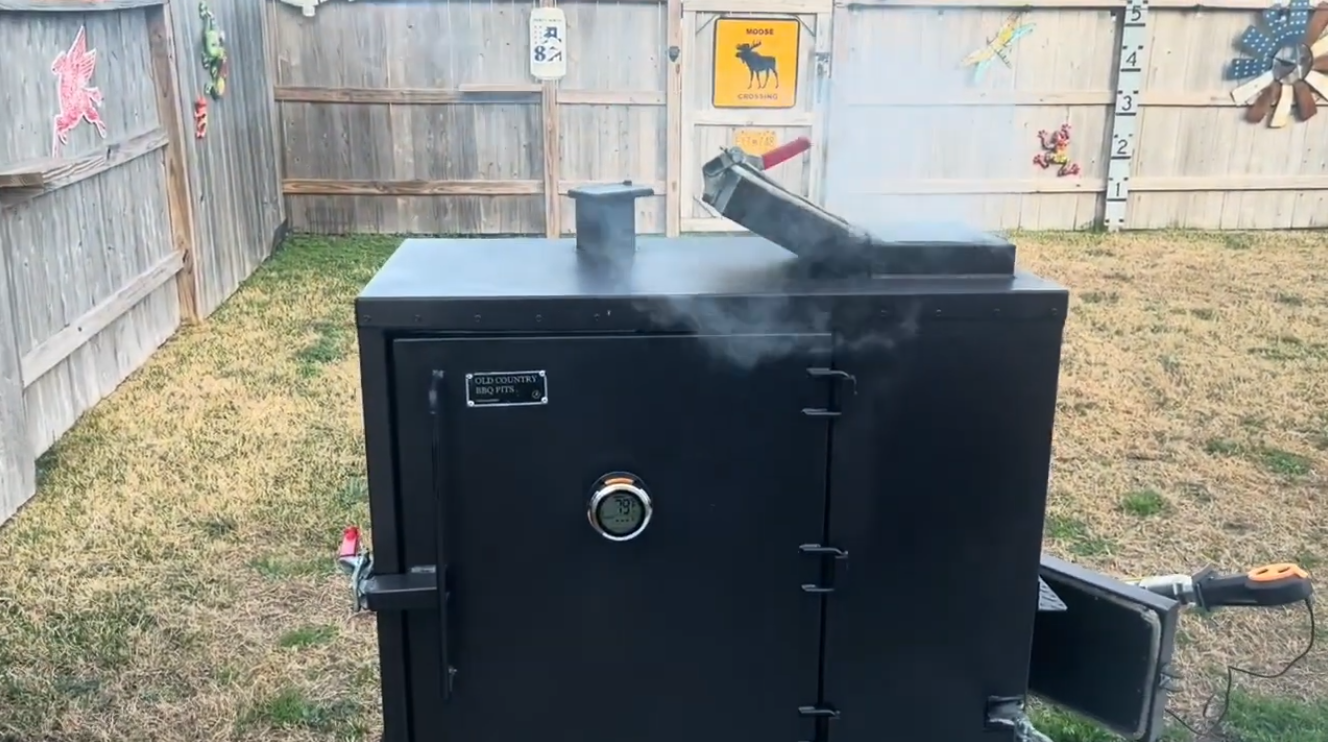
Old Country Gravity Fed Smokers
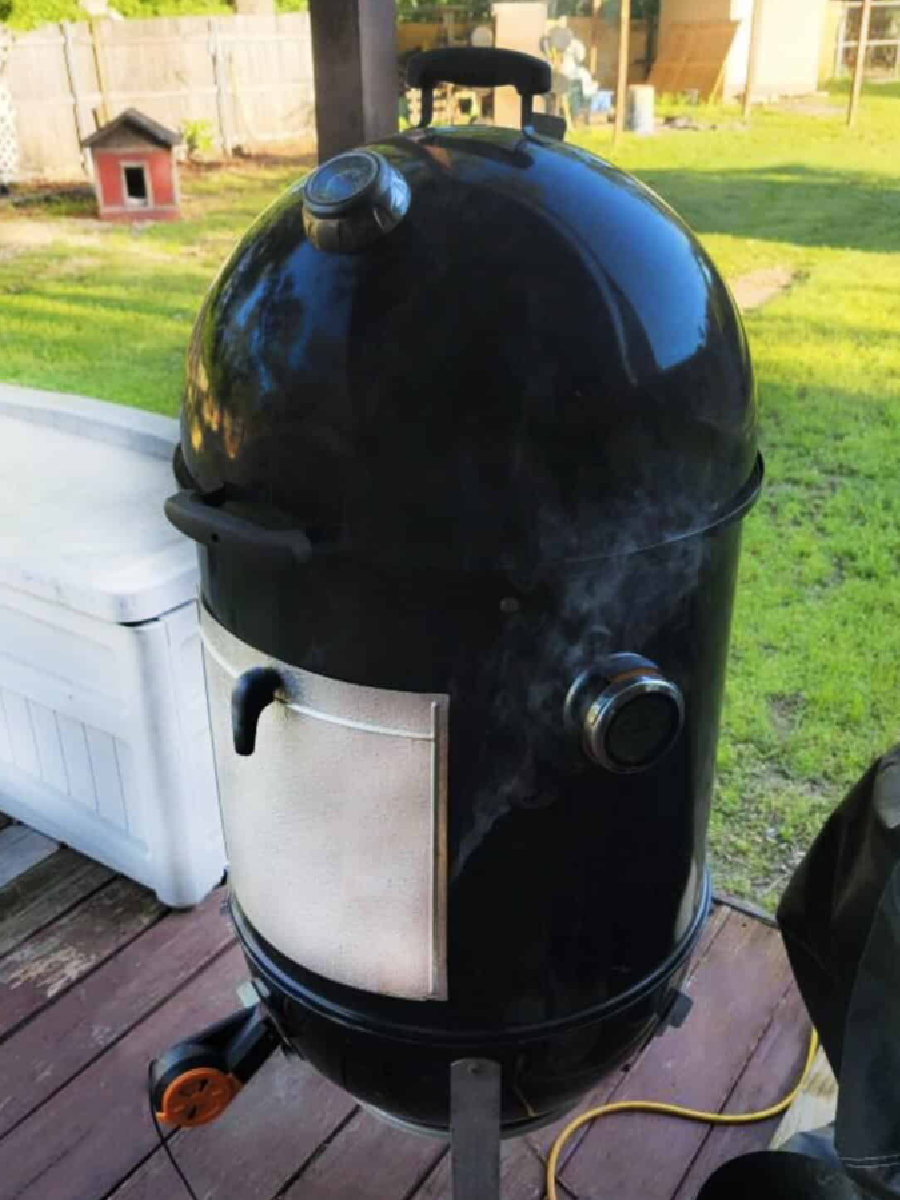
Weber Smokey Mountain (WSM)
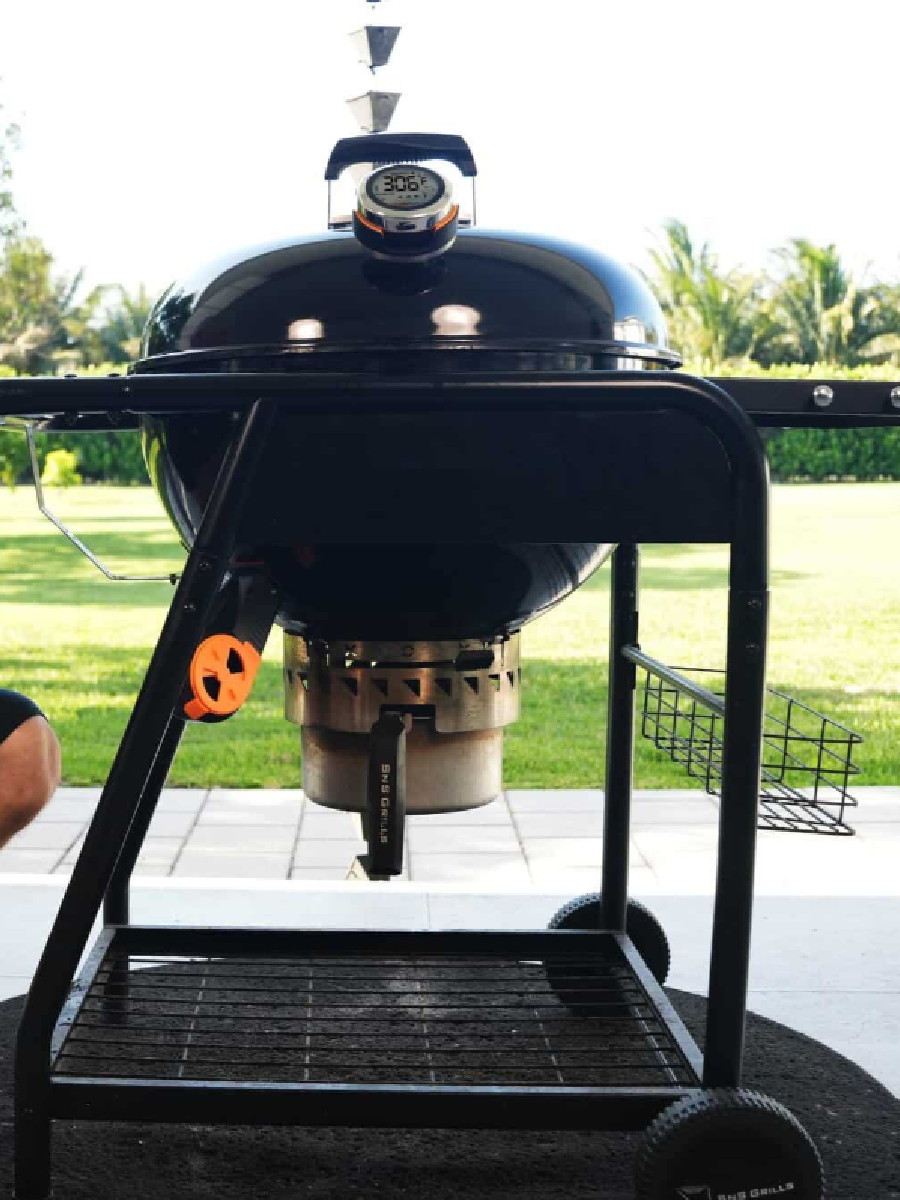
Slow ‘N Sear (SNS) Grill
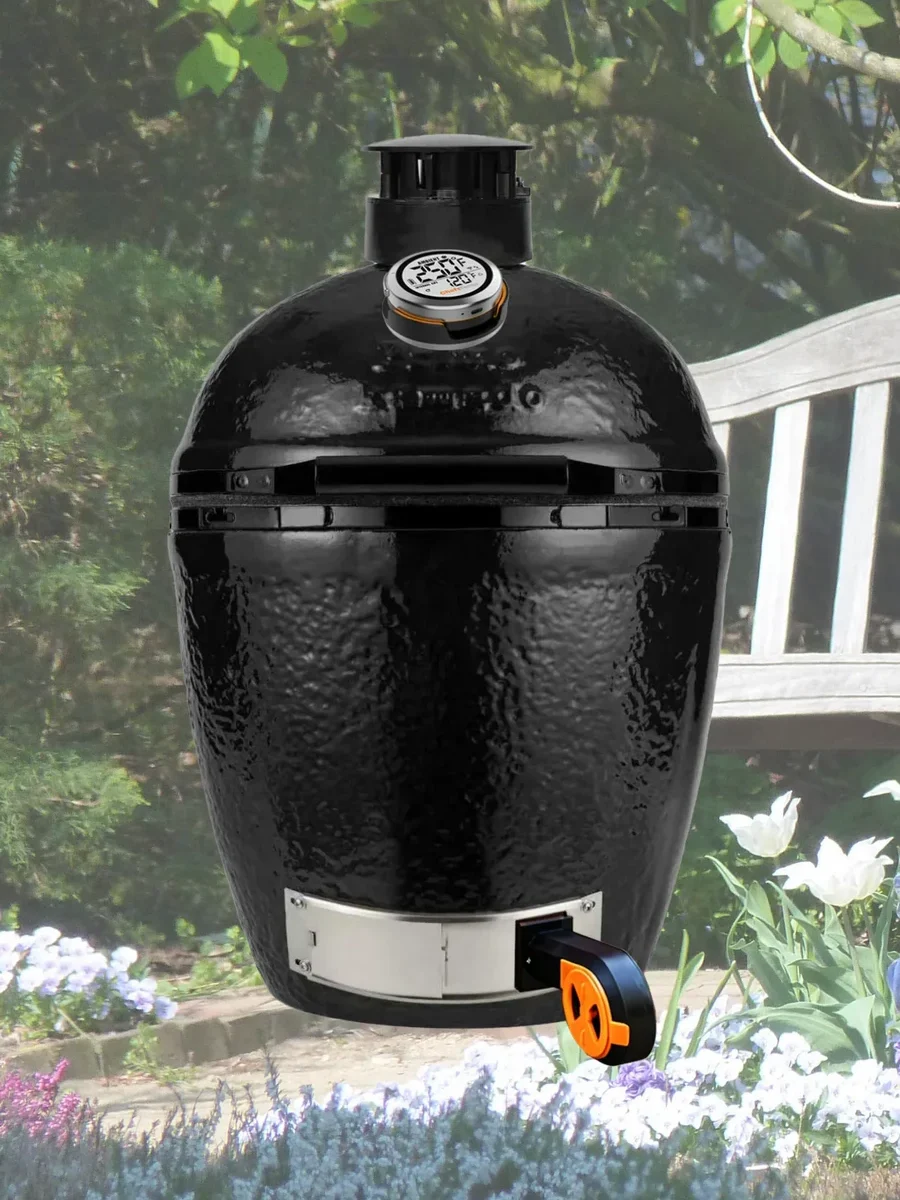
Primo Ceramic Grill
Watch How Protemp S1 Works
Playlist
FAQ
ProTemp S1 saves time and effort, letting you focus on other tasks. Even experts can go from good to great with consistent, hassle-free temperature control. This gadget boosts your game with precise temperature monitoring, ensuring consistent results for large cooks.
It alerts you to subtle heat changes, freeing you to focus on sides or guests, while also logging data to refine your technique—all while adding a fun tech edge to your craft.
For optimal performance and longevity, we recommend placing both the S1 thermometer and the Breezo control fan in environments where the temperature stays within safe operating limits.
- Minimum temperature: Avoid prolonged exposure below 32°F (0°C), as this may significantly reduce battery life and affect overall functionality.
- Maximum temperature: The fan is heat-resistant up to 302°F (150°C), while the S1 thermometer is rated for up to 140°F (60°C).
Given that winter temperatures can dip below the recommended minimum, and high-heat cooking zones may exceed safe limits, we advise using the product in a protected or temperature-controlled setting to ensure reliable operation. Proper placement and shielding will help extend the life of your device and maintain accurate performance.
The ProTemp S1 is designed to fit almost all grills and smokers on the market. Simply remove your existing gauge thermometer and replace it with the S1, or drill a new hole if needed(do not drill ceramic).
There are 4 different variants of the ProTemp S1.
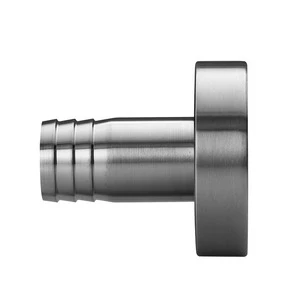
Universal Version: This model has a base stem diameter of 7.8 mm (0.3 inches) and is compatible with most grills and smokers, including Weber, Kamado Joe (except Big Green Egg), drum, offset, and kettle grills. It’s ideal if your grill’s gauge hole is approximately 0.3 inches or larger.
BGE Version: Designed specifically for Big Green Egg grills or other grills with smaller gauge holes like Primo Oval XL, this version has a thinner base stem diameter of 4.1 mm (0.16 inches). It’s perfect for Big Green Egg, Primo Oval XL, or similar grills with smaller ports (For the Primo XL series, since the thermometer hole diameter may vary depending on the production year, it is recommended to measure the diameter of the thermometer hole before purchasing the ProTemp S1).
5.5” Special Edition: Its base stem diameter is the same as the Universal Version, at 7.8 mm (0.3 inches), but its stem length is longer, at 5.5 inches, making it suitable for devices where the thermometer is farther from the food, like Old Country Gravity Fed smoker.
1.5″ Short Stem Edition: Retaining the same base stem diameter as the Universal Version, at 7.8 mm (0.3 inches). This model features a shorter 1.5-inch stem. The reduced length ensures better compatibility with grills requiring limited internal clearance, preventing interference with lid operation. It’s particularly well-suited for certain gas grills, such as the Weber Genesis and Napoleon Prestige PRO series.
We recommend measuring the gauge hole on your grill to ensure the perfect fit before choosing a version.
No need if your grill has an analog thermometer—just replace it. If there’s no hole (like on some offset smokers), you can drill one. Just skip drilling on ceramic grills.
The purpose of creating an account is to facilitate seamless usage of the device among family members through a single account. Additionally, registering an account enables access to cloud storage services.
Our product utilizes Wi-Fi for cloud data transmission, ensuring seamless connectivity and allowing users to access their temperature data remotely. This is the unique aspect of our thermometer that sets it apart from other Bluetooth-based wireless meat thermometers. To maintain access to cloud data features, account registration is necessary.
Please rest assured that we prioritize the privacy and security of our customers’ personal information. We have stringent measures in place to ensure that your data remains confidential and is not disclosed to any third parties. And our app will not send advertising messages.
The Base Unit of ProTemp S1 is fully waterproof. However, the Main Unit has an IP54 rating, which provides limited protection against dust and splashing water. Please avoid exposing the unit to water. For enhanced protection, we recommend installing the optional ProTemp S1 Waterproof Silicone Protective Cover (sold separately).
Although the probe is waterproof, it cannot be washed in a dishwasher, as this can cause damage to the internal sensors of the probe (as mentioned in the manual).
No. The ProTemp S1 does more than just read dome temp. We use platinum sensors for 10x accuracy over analog, a long stem to get closer to grate level, and a temp compensation function in the app. Our tests show just a 3-5°F difference from a wired grate-level probe in Kamado grill before app compensation.
Yes, you can monitor up to 3 ProTemp S1 units within one app. With just a simple swipe on the screen, you can easily switch between different devices.
Yes, this is one of our best features! You can use one main display unit to mount with different base units. If you have a large grill and want to mount the base units in different locations, this feature helps you save money
No, the ProTemp S1, priced at $99.99 USD, does not include the wireless probe or Breezo Fan. The ProTemp S1 is a smart, accurate, digital grill thermometer hub that works with an app to remotely monitor your grill’s temperature and set high and low-temperature alerts.
Yes, you can monitor both ChefsTemp devices simultaneously. Simply find the “Add Device” option in the app and follow the steps to pair. Once successfully added, you can easily switch between different devices with a simple swipe on the screen.
If you cannot turn off by holding down the power button, you can perform a reset operation:
1. Prepare a thin needle, toothpick, or paper clip.
2. Find the RESET hole next to the charging port of S1 Main Unit.
3. Insert the fine needle into the RESET hole and gently press until the screen briefly disappears and lights up to indicate that the reset is complete.
If it still cannot be resolved, please contact our customer service email info@chefstemp.com Please provide your order number and instructional video. We will provide further diagnosis and support.
If your S1 is unable to connect to Bluetooth or is stuck on C-1 during pairing, please follow these steps to resolve the issue:
- 1. Check App Permissions: Make sure the ChefsTemp app has all required permissions—especially location access—enabled on your device.
- 2. Clear Existing Connections: Ensure all previous connections are removed from the ChefsTemp app. Then, reconnect by following our tutorial video: How to Pair Your ProTemp S1 with Bluetooth and Wi-Fi | Step-by-Step
- 3. Reset the S1: Press the RESET button next to the charging port.
- 4. Test with LightBlue App: If the issue persists, download the LightBlue app and check for “ProTemp S1 Base” in the device list.
If there are still issues, please contact our customer service via phone or email for support.
If you experience connection issues with your probes (can not connect the probes to ProTemp S1/ProTemp Plus Series, or the probe is disconnected during use), please try the following step-by-step guide:
- Delete all your connection in the app, including ProTemp S1, ProTemp Plus/ProTemp 2 Plus and probes.
- Uninstall the ChefsTemp app and reinstall it, ensure that your app is the latest version.
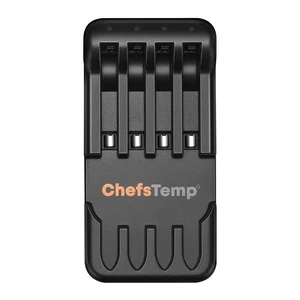
- Fully charge everything: Place all probes in the 4-in-1 Charger or ProTemp Plus/ProTemp 2 Plus Stand for at least 15 minutes.
- Pair probes one at a time: Take only one probe out of the Charger/Stand to pair. Wait for it to connect successfully, then put it back, and repeat with the next probe (Click on “…” in the upper right corner of the app homepage, click on “My Connections”, click on “Add New Probe”, and then click on “Probe” in “SEARCHING FOR NEARBY PROBES”).
- Ensure that your ProTemp S1 and ProTemp Plus/ProTemp 2 Plus Stand are located close to the probe to ensure smooth transmission of probe signals.
This method avoids signal interference between probes and helps the app detect them correctly.
If your probe still cannot connect, you can perform the following confirmation steps:
- Click on the probe icon on the probe page to perform fault diagnosis. You can watch this video to perform the operation: New ChefsTemp App Update Guide | How to Diagnose Disconnection Issues
- After charging the probes, remove them from the Charger/Stand, download and open the LightBlue app, search for “Probe”, and see if you can find them. Each charged and removed probe will display a line of “Probe”.
- Please take a video of your complete connection operation, screenshots of the app homepage and diagnostic information, as well as LightBlue screenshots and send them to us. We will analyze and provide a solution for you.
Please watch our tutorial video to ensure you’re following the correct Wi-Fi setup process: How to Pair Your ProTemp S1 with Bluetooth and Wi-Fi | Step-by-Step.
If you are still stuck on the Wi-Fi connection step, please check the following tips:
- 1. Confirm the Wi-Fi icon on your S1 screen is solid (not flashing). A missing icon indicates Wi-Fi is off, while a flashing icon suggests an unstable connection.
- 2. Check App Permissions: Make sure the ChefsTemp app has all required permissions—especially location access—enabled on your device.
- 3. Check Wi-Fi Settings: Ensure your Wi-Fi is on a 2.4GHz network. If 5GHz Wi-Fi only, simply create a guest 2.4GHz Wi-Fi network in the router app, making it easier for smart devices to join.
- 4. Password and SSID: Use the orange magnifying glass to auto-detect the SSID, and double-check that the Wi-Fi password is entered correctly, as spell-check may alter it.
- 5. Router Settings: Disable fast roaming (e.g., 802.11r) on your router, as it may prevent the S1 from connecting.
When charging your S1, a charging animation will appear on the battery icon. A flashing, fully charged icon indicates the S1 is completely charged. A fully charged S1 provides at least 40 hours of usage. For optimal charging, use the original charging cable with a power source not exceeding 20W.
Remove the S1 Main Unit from the Base first, then charge the S1 Main Unit. Do not charge ProTemp S1 on cooking equipment!
If your S1 isn’t fully charging or has a short battery life, try the following:
1. Use a different power supply and charging cable, then recharge the device.
2. Ensure your S1 firmware is updated to the latest version.
3. Reset S1 by press the RESET Button next to the S1 charging port
If it still fails, please send a video of the issue (showing the charging progress) to our support e-mail: info@chefstemp.com, we will help you further.
After using the ProTemp S1, the water droplets inside are most likely caused by condensation.
The main unit has an IP54 waterproof rating, which means it is protected against dust and light splashes of water, but it is not fully waterproof. During cooking, the high temperature and humidity inside the grill cause moisture to enter through small gaps. When the unit cools down quickly to room temperature, the moisture condenses into water droplets inside.
How to handle it:
- Remove the main unit and place it in a warm, dry, well-ventilated area. Let it dry naturally.
- Wait until it is completely dry before using or charging it again.
To prevent this in the future, remove the main unit from the grill after cooking and store it indoors. Avoid leaving it in the grill while it cools down rapidly.
If the problem happens repeatedly or the device stops working after drying, please contact ChefsTemp Customer Support at info@chefstemp.com for assistance.
The ProTemp S1 is designed to replace the original grill thermometer, providing reference temperature data. Since temperature differences within various areas of the grill/smoker can be significant, sometimes varying by over 100°F, we recommend installing the ProTemp S1 in the original thermometer port for more accurate readings.
If your grill/smoker does not have a thermometer port, you may need to create one and position the ambient probe of ProTemp S1 closer to the meat for more accurate temperature measurements.
If there are still issues, please contact our customer service via phone or email for support.


ChefsTemp (verified owner) –
Thanks for your great feedback of the ProTemp S1! We’re thrilled our reliable Wi-Fi connectivity stood out to you, and that the device exceeded your expectations at such an affordable price. Happy grilling!
Ros Morrison (verified owner) –
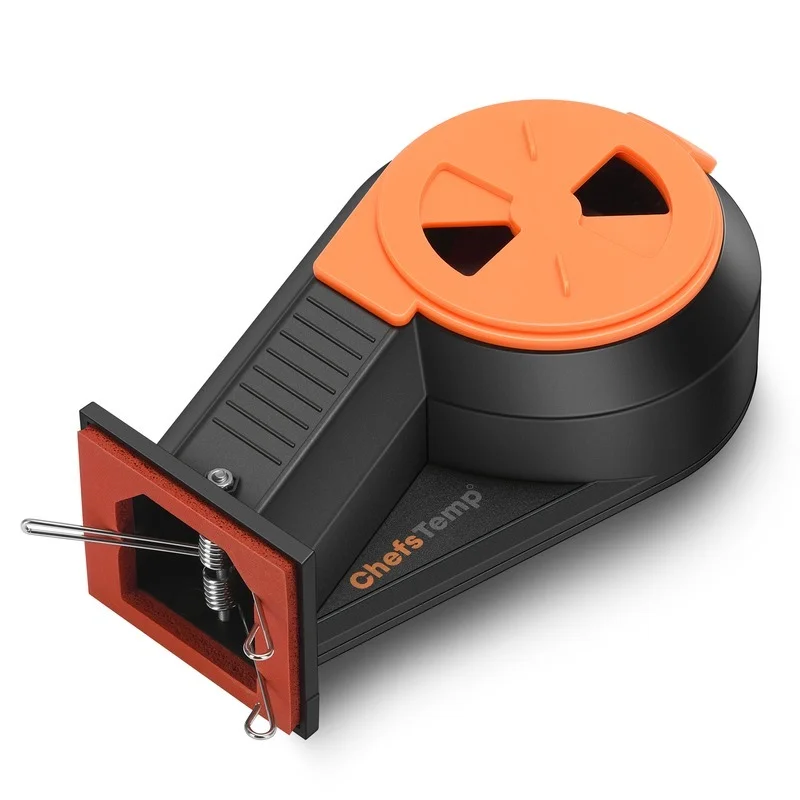
A MUST BUY for the homecook or professional. Absolutely, a fan of this. Really a game changer with breezo fan. Can REST and cook. App can be a bit slow, and it needs to have a not in depth ability to control sensor from phone, but as far as functionality, 5 stars. I have 4 stars because of what i mentioned
Curtis Ferebee (verified owner) –
I have used this for a couple of months. It works great. Easy to install and long battery life, even for overnight cooks. Software was easy to use and is reliable. I like it!
lennart (verified owner) –
I’ve tried several digital temperature devices over the years, but the ProTemp S1 really stands out, it’s the only one I’ve found with reliable Wi-Fi connectivity. At first, I was a bit skeptical because of the surprisingly affordable price, but it has completely exceeded my expectations.
The device is easy to set up, works seamlessly, and delivers accurate temperature readings every time. Having Wi-Fi access makes monitoring so much more convenient, especially when stepping away from the grill.
Overall, this is a fantastic product, smart, reliable, and a great value for the price. Highly recommended!
omeliogarcia (verified owner) –
I bought the Protemp S1with the Breezo Fan for my Weber Kamado. The installation was easy no need to drill any holes do to the Weber already having the hole for the Breezo Fan, it’s if it was made for eachother. I’ve smoked pork chops to a whole brisket with steady temps the whole cook. The only bad thing is I’m getting rid of the pellet grill, with this setup I now have a perfect smoker with the easy of a pellet grill. Great job, Chefstemp!!!!
ChefsTemp (verified owner) –
Hi Jan, Thanks! Join us on Facebook to share more: https://www.facebook.com/groups/chefstempofficial. Hope to see you there!