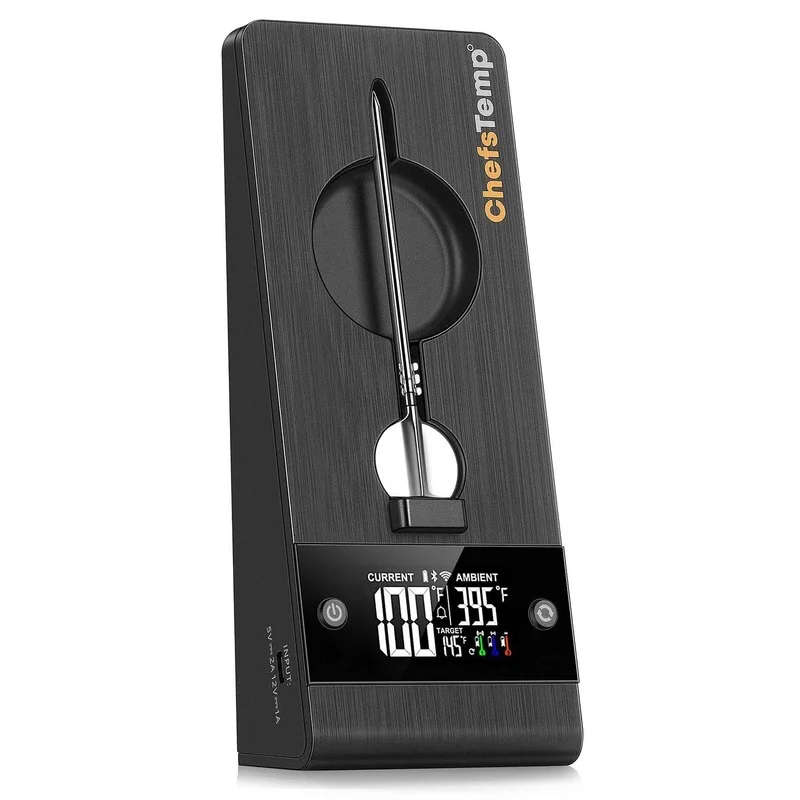
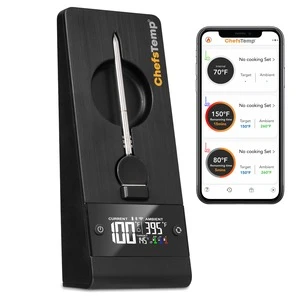
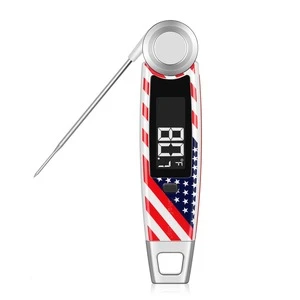
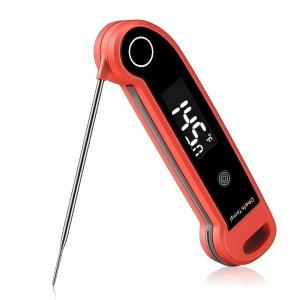
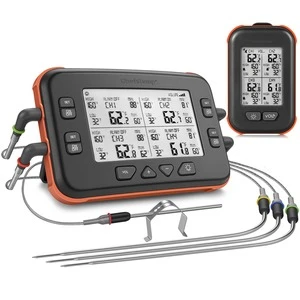
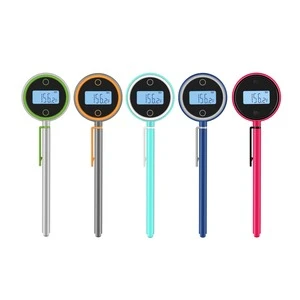
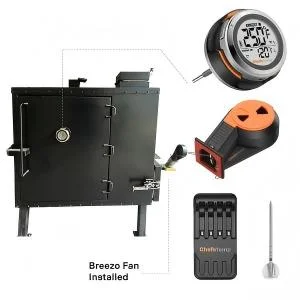
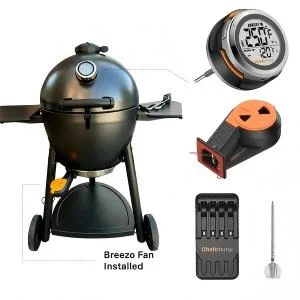
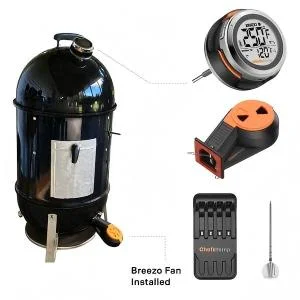
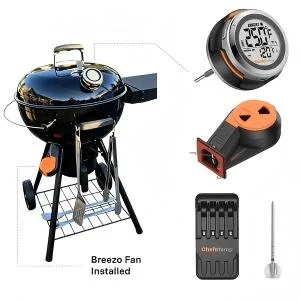
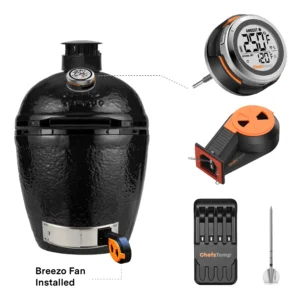
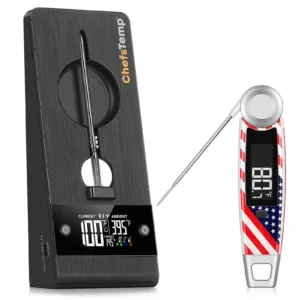
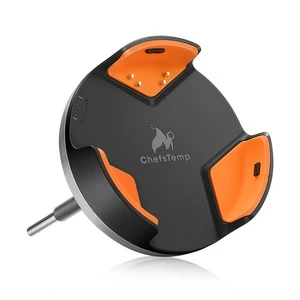
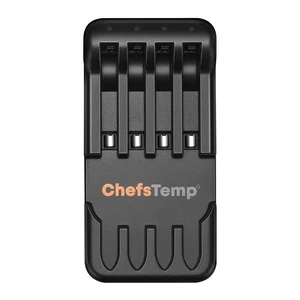
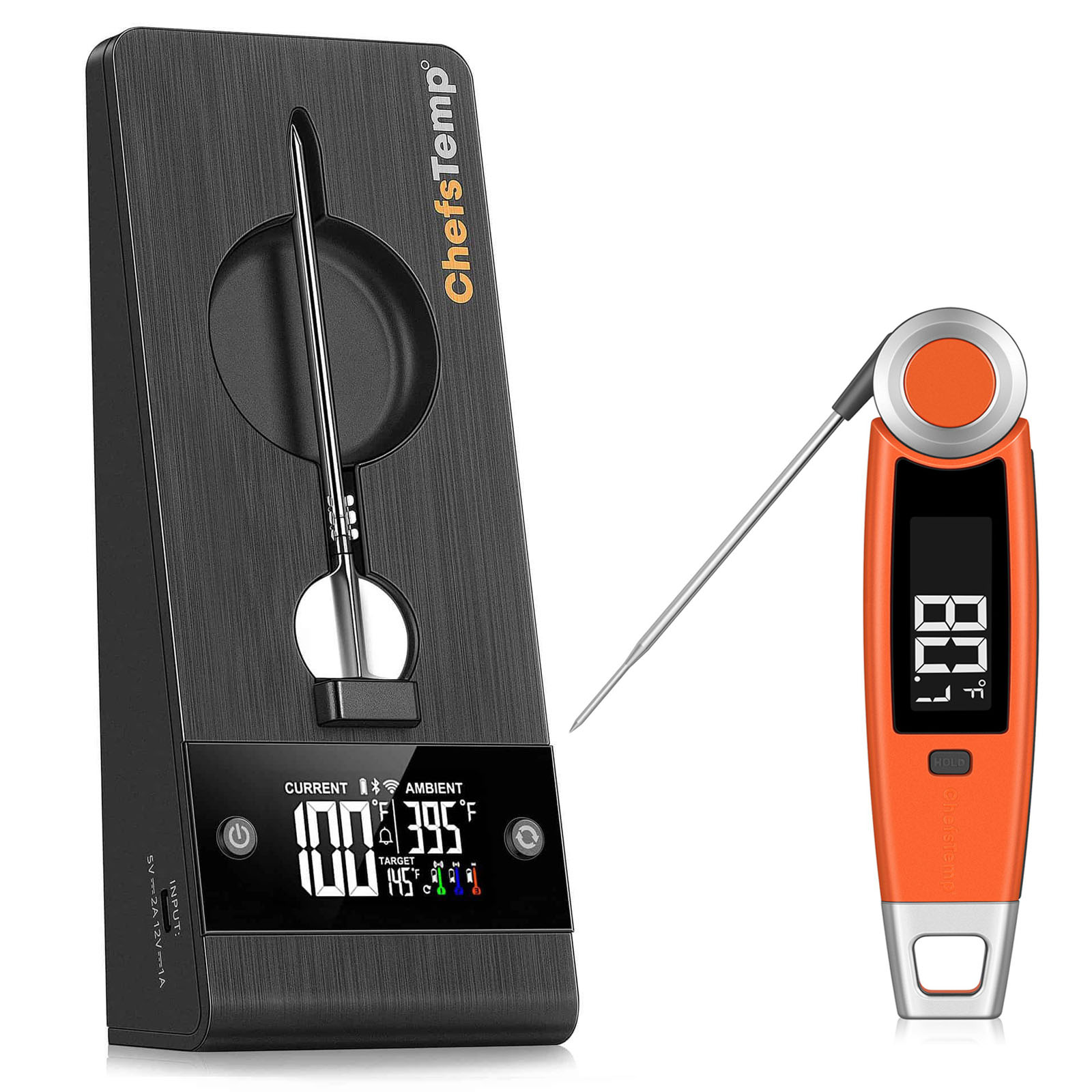
Probe: It cannot be charged on the 4-in-1 Charger.
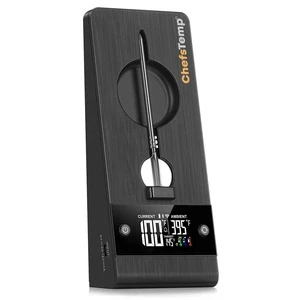
To verify if your probe is charging correctly on the 4-in-1 Charger, please check the following:
- Charging Indicator: A blue light will appear at the corresponding charger slot when the probe is charging. The light will turn off once the probe is fully charged, indicating it’s ready for at least 30 hours of use.
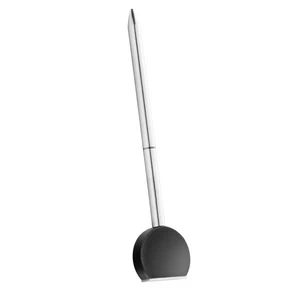
- Probe Orientation: Ensure the probe is inserted correctly, with its tail making full contact with the metal plate in the charger’s slot. Place the probe in another slot to charge it.
- Download the LightBlue app and check if “Probe” appears in the device list. Each charged probe should display as a separate entry.
- Record a short video showing the probe charging and send it to info@chefstemp.com. We’ll review it promptly and resolve the issue.