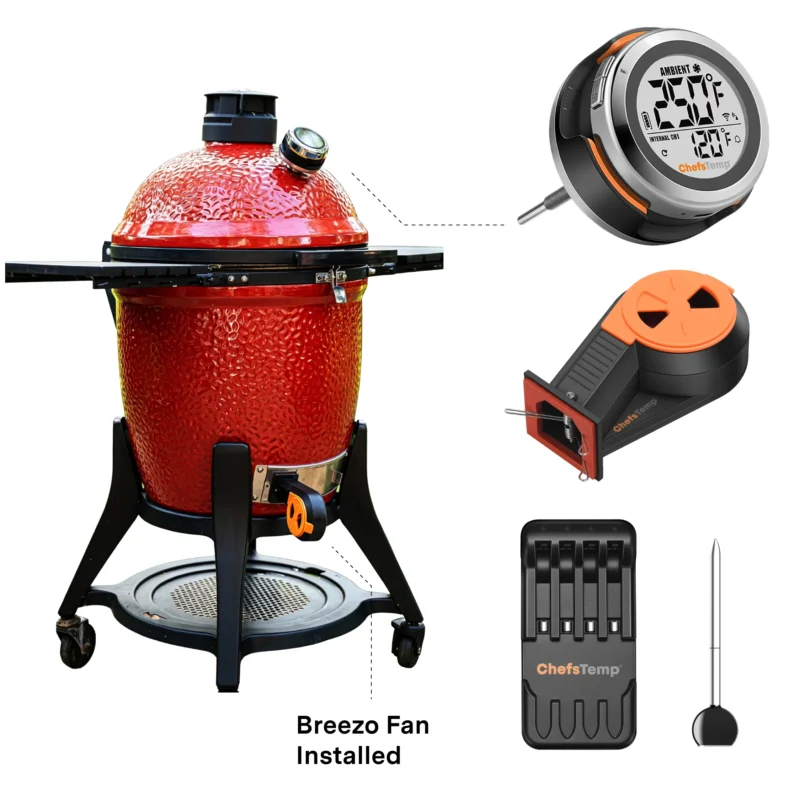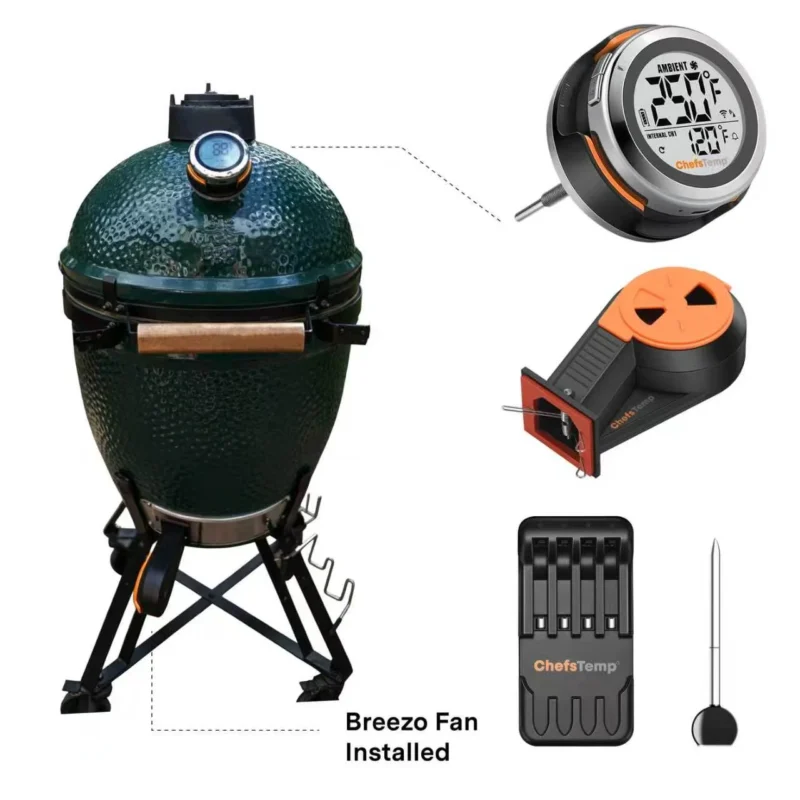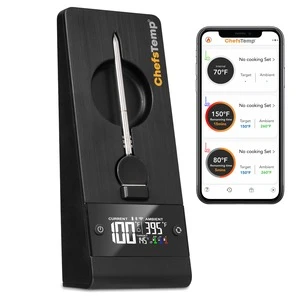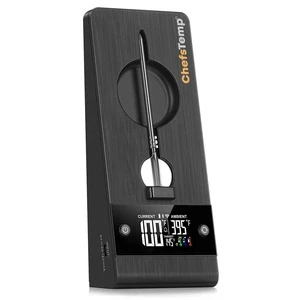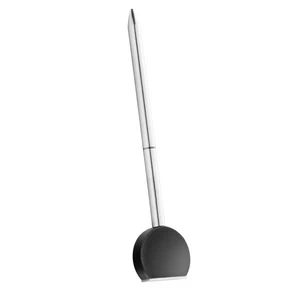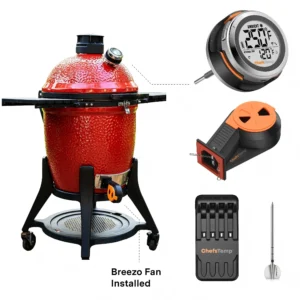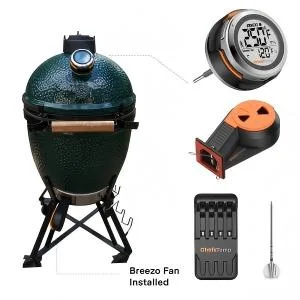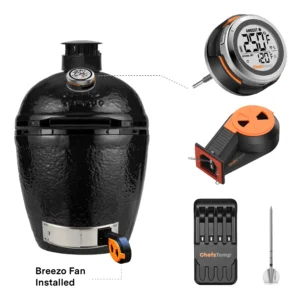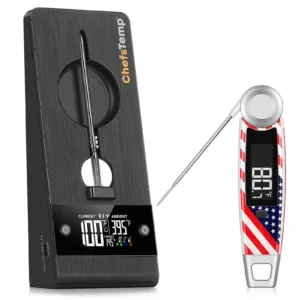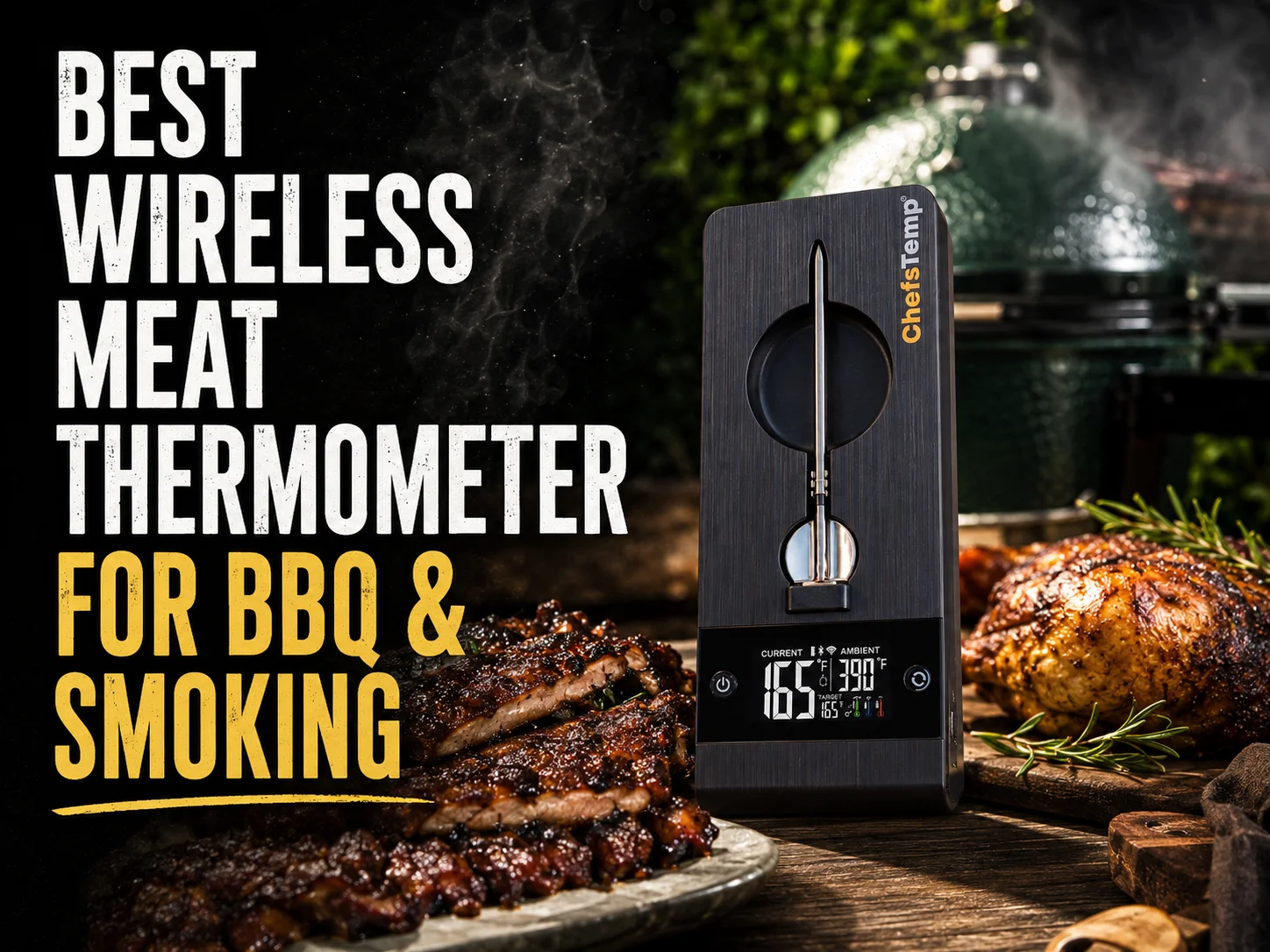
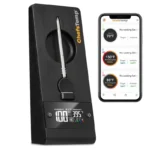
Meet ProTemp Plus
Eliminates the range limits of traditional Bluetooth thermometers.
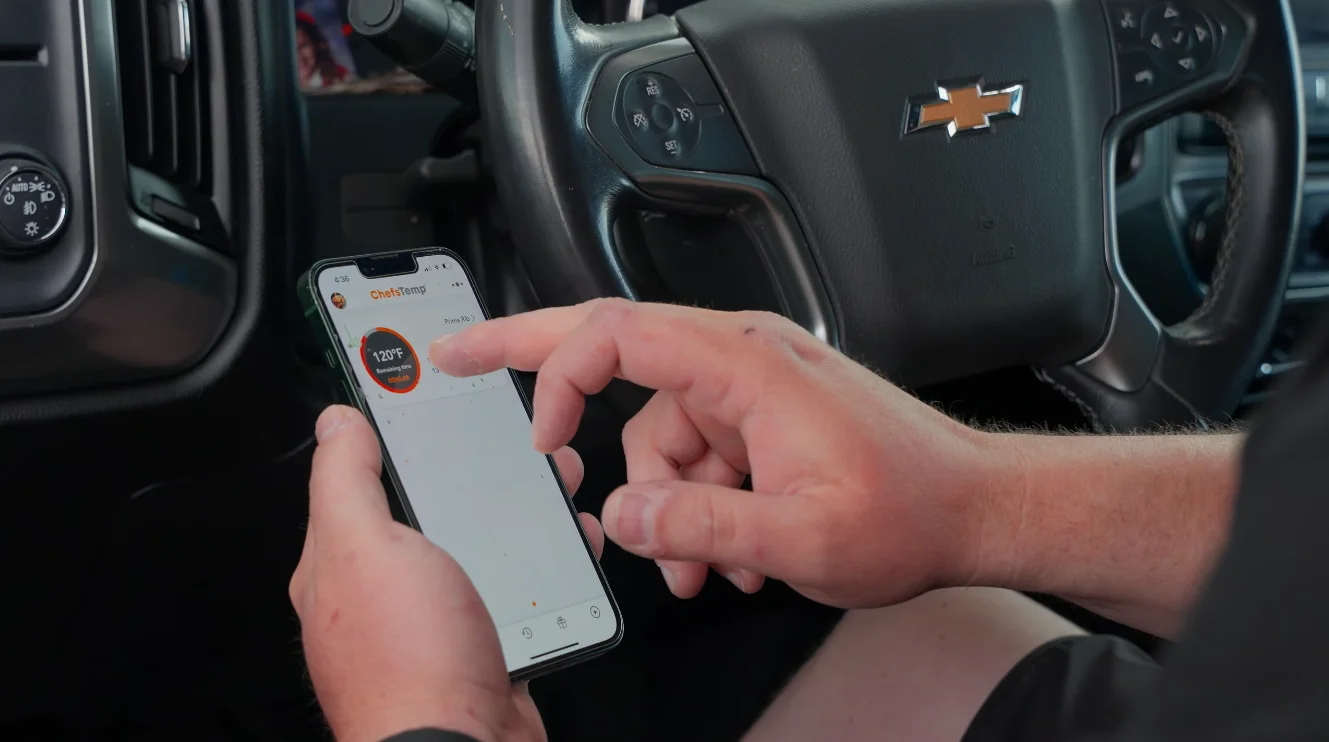
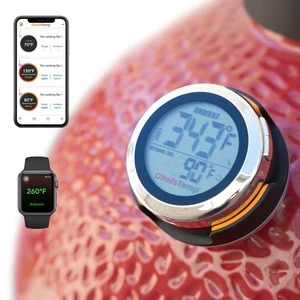
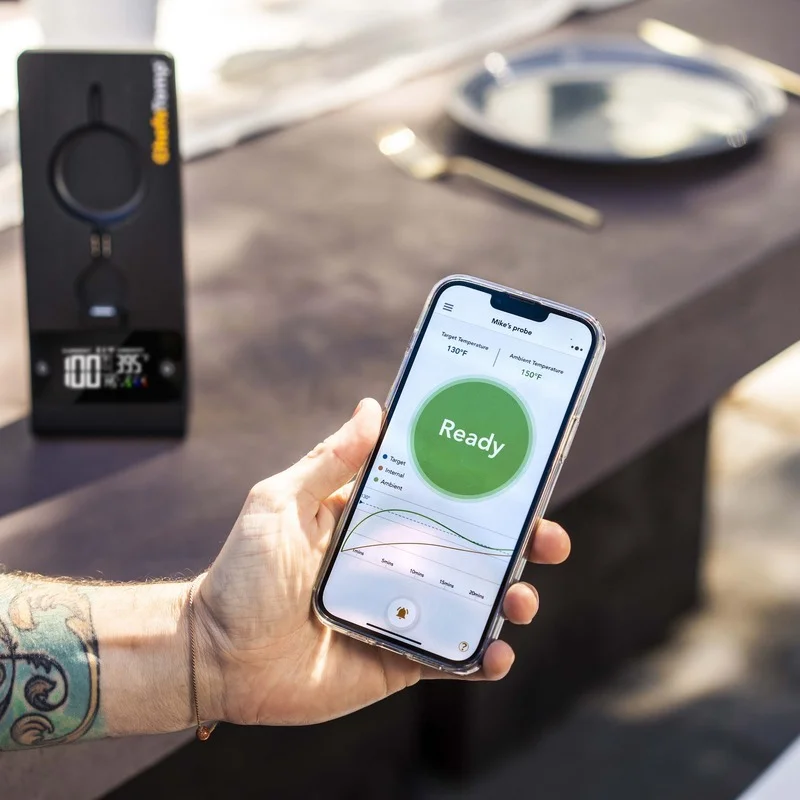
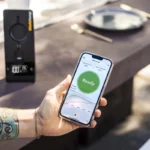
With dual Wi-Fi and Bluetooth connectivity, you stay connected to your cook — whether you're at home or on the go.
What Makes ProTemp Plus Special
Unlimited Range
Dual Wi-Fi + Bluetooth connectivity frees you from the 30-foot anxiety of traditional Bluetooth devices — monitor your cook from anywhere.
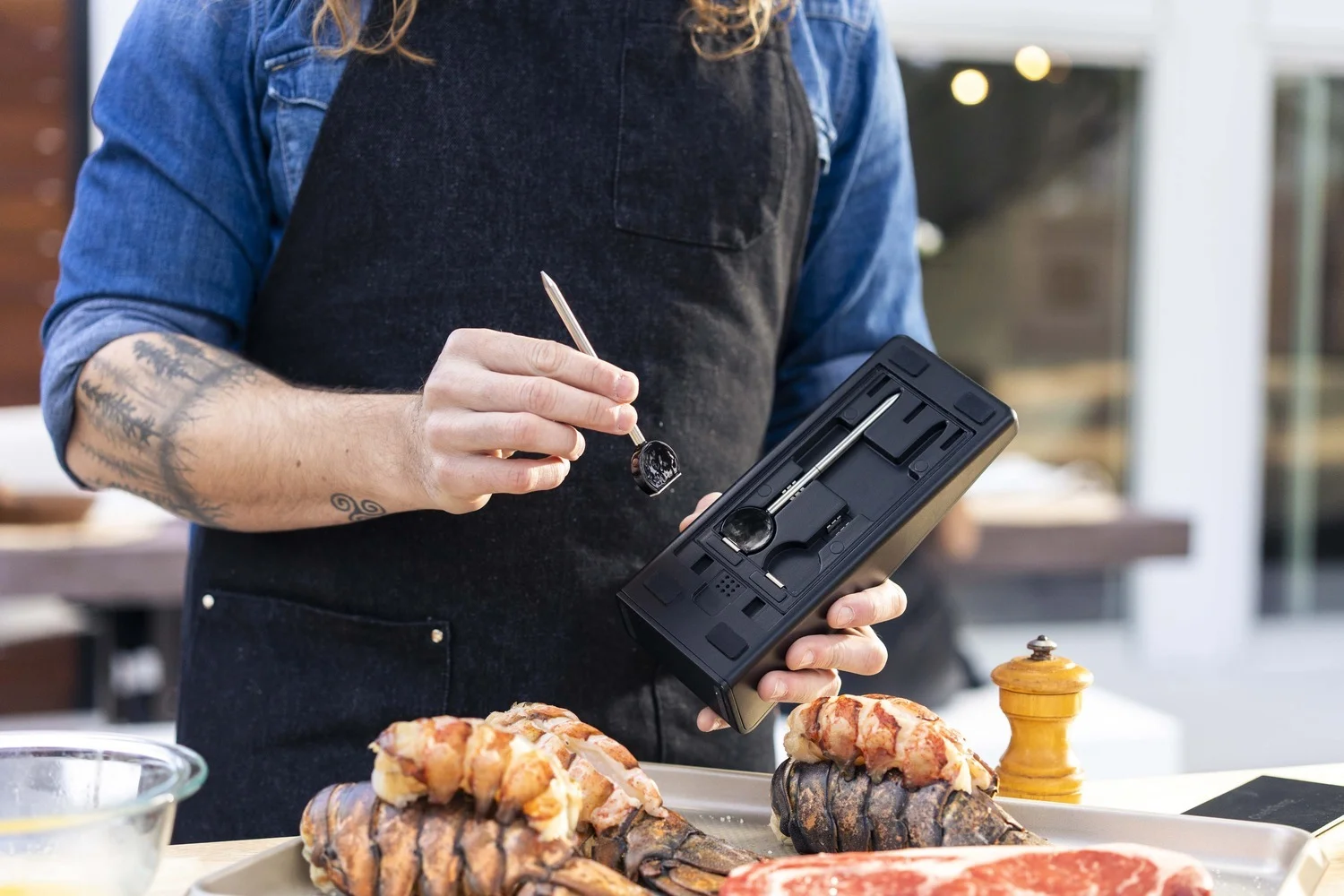
Multi-Probe System
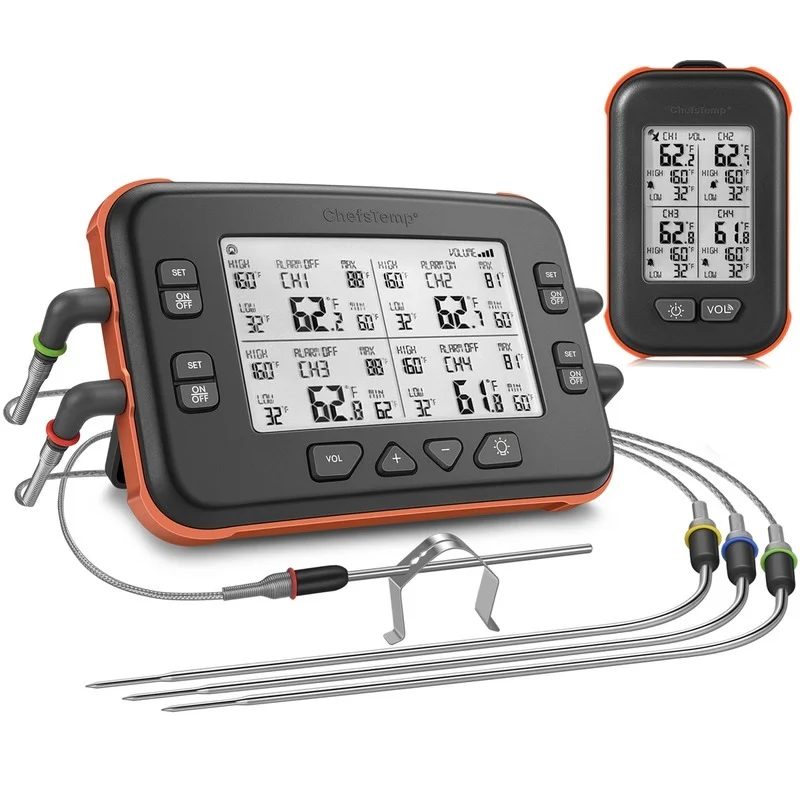
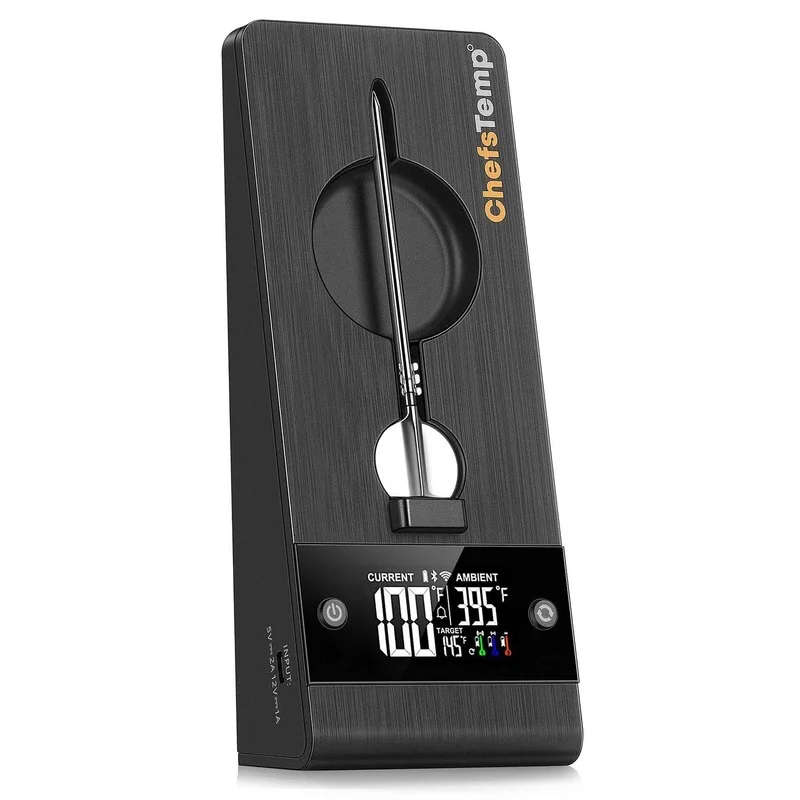
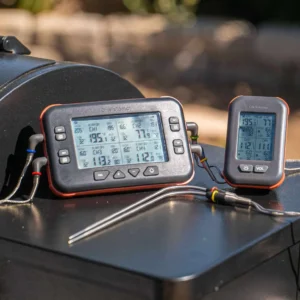
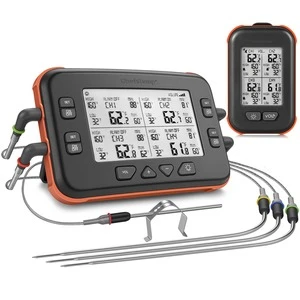
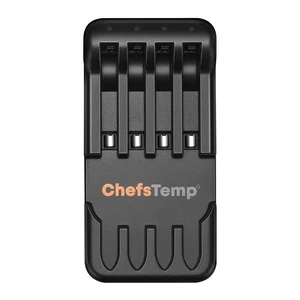
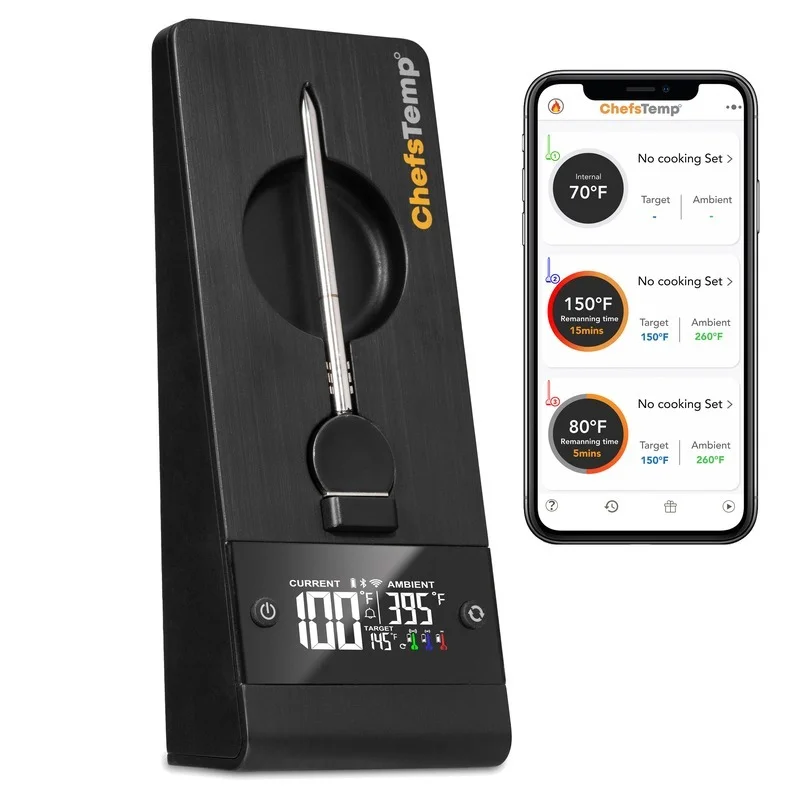
One base station supports up to 3 probes; the App manages up to 3 base stations simultaneously — that's 9 probes in total. Perfect for large family gatherings.
Built for the Outdoors Performance
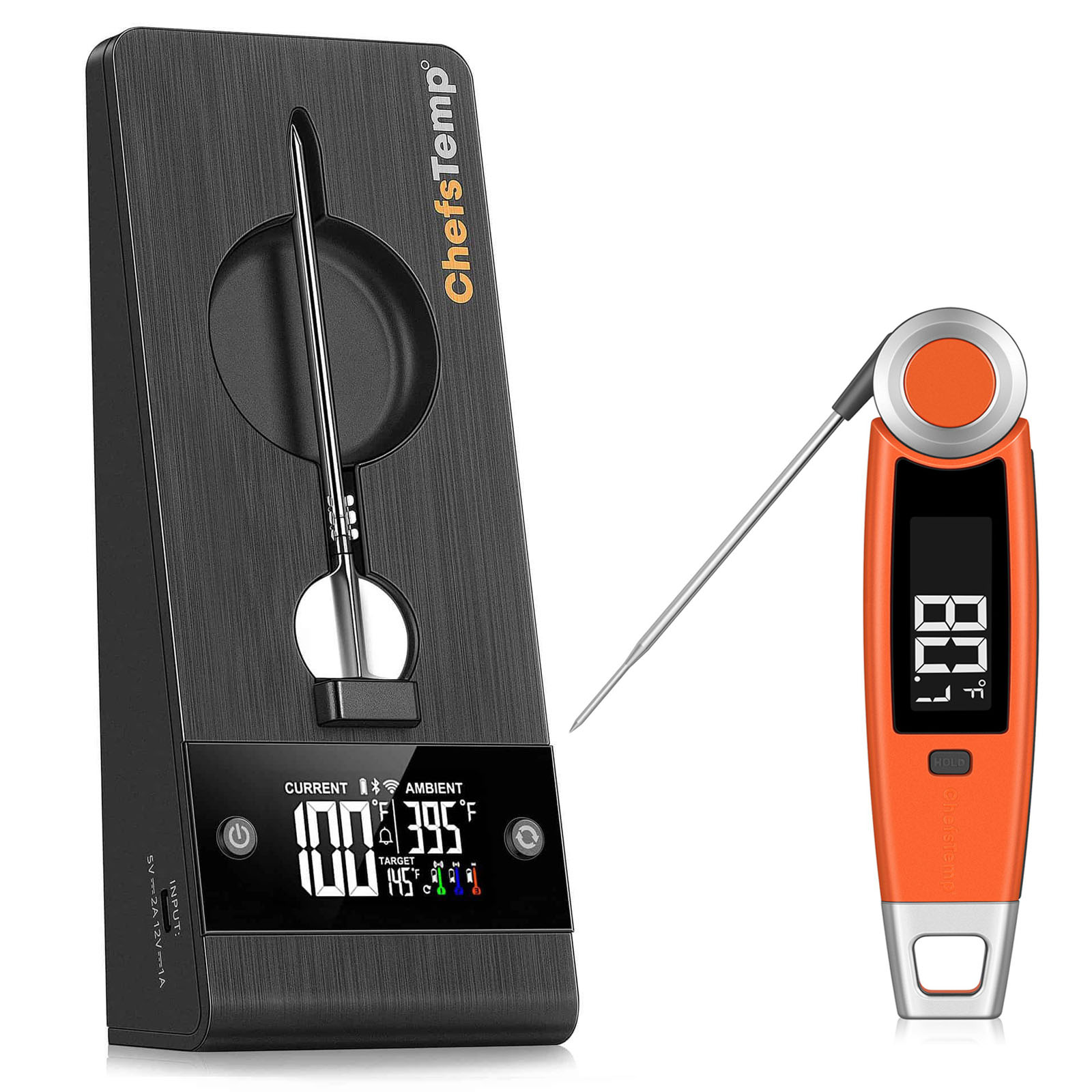
Probe ambient rating up to 752°F (400°C) — ready for any grilling scenario. 10,000mAh built-in battery delivers 80–100 hours on Wi-Fi, and over 1,000 hours on Bluetooth.
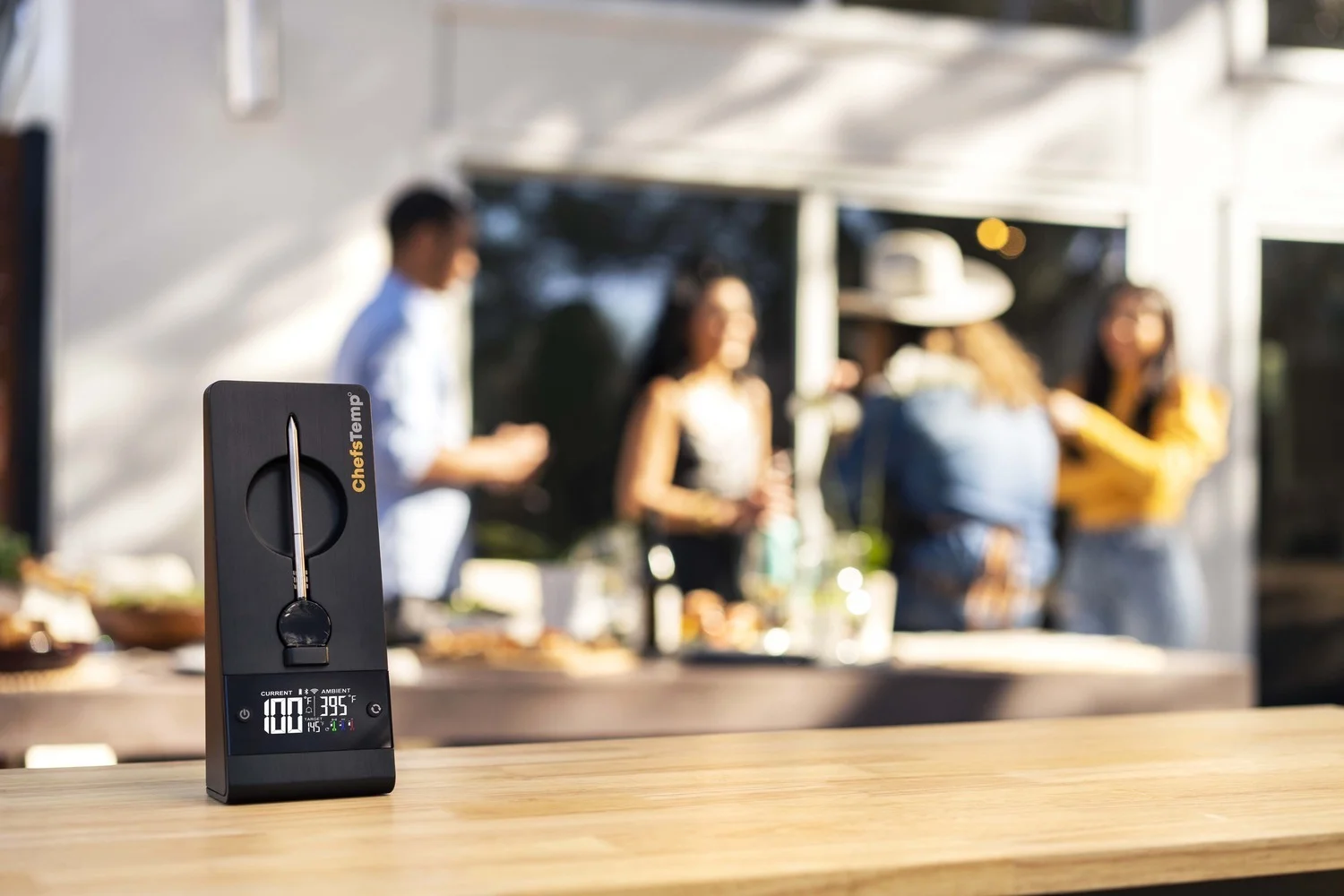
Two Probe Options
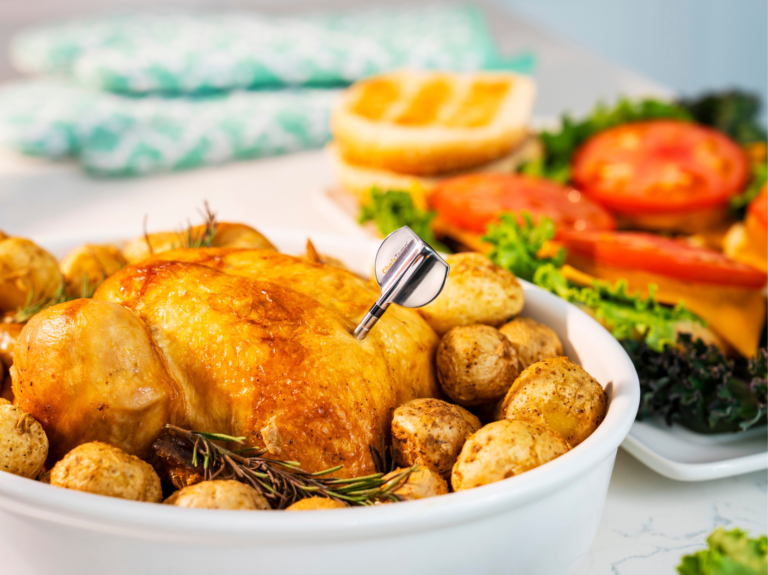
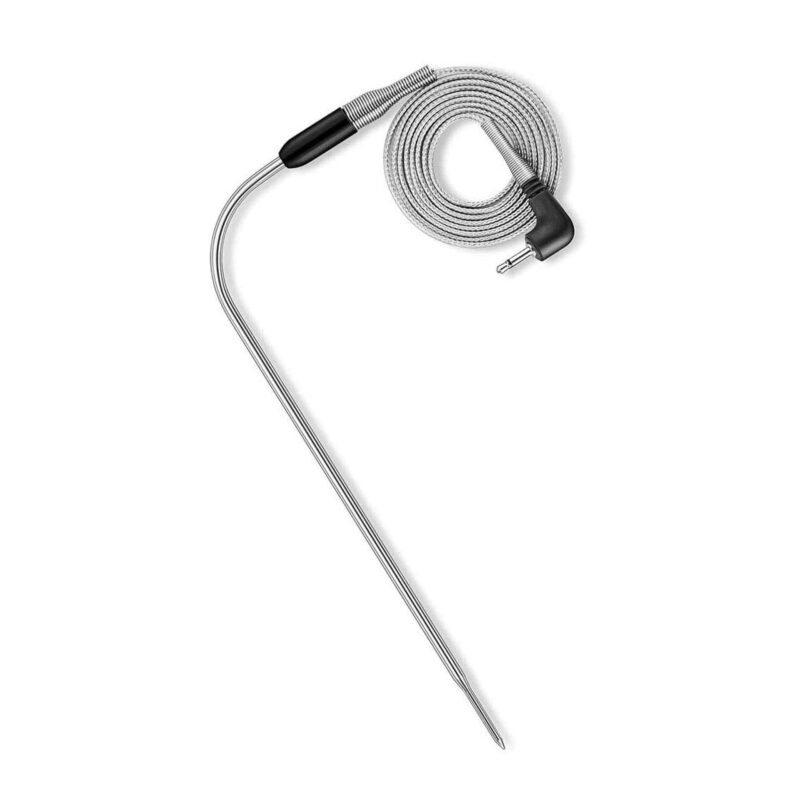
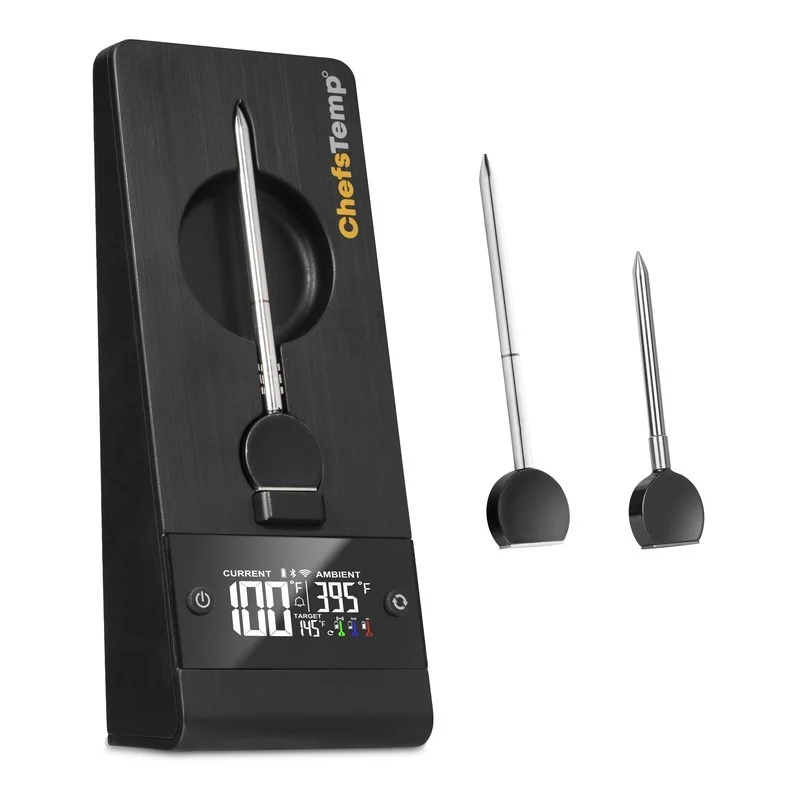
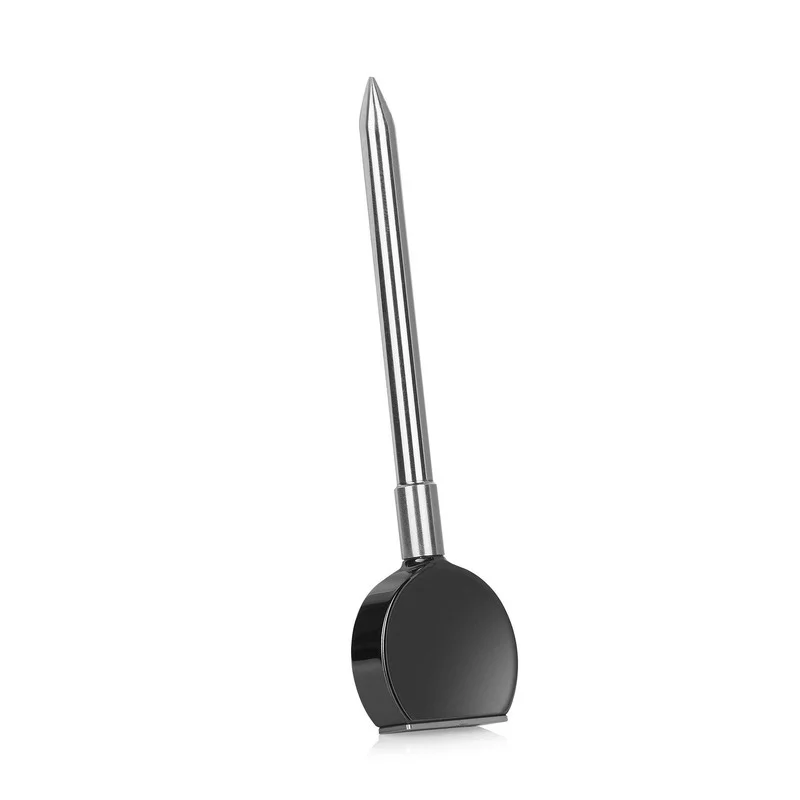
Choose between standard and mini probes to fit different cuts of meat.
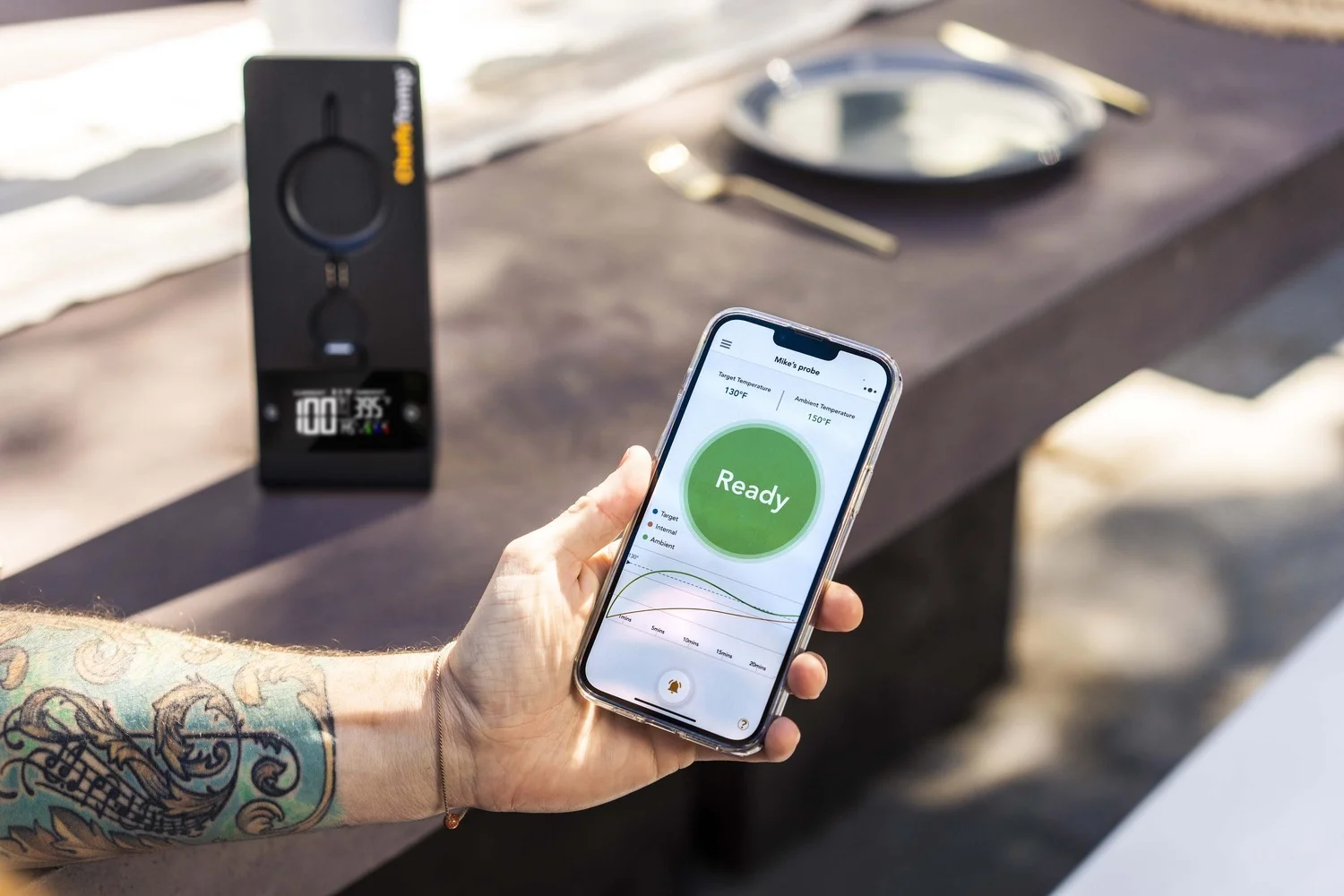
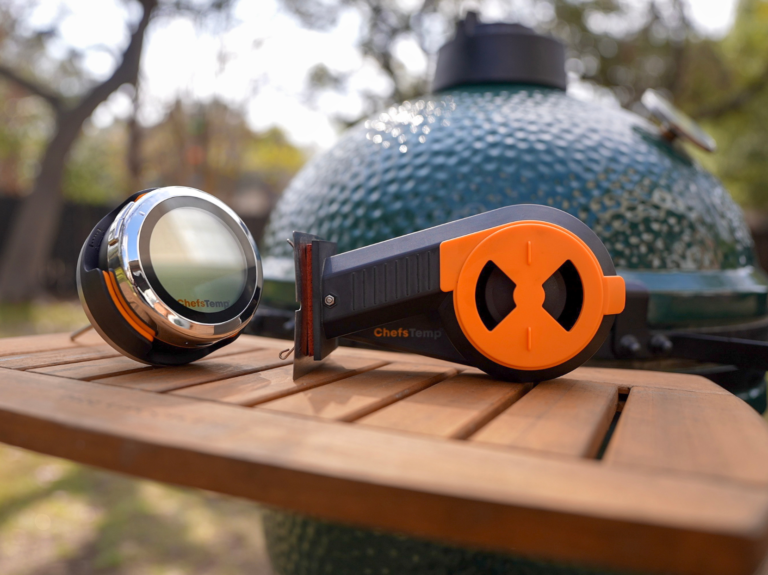
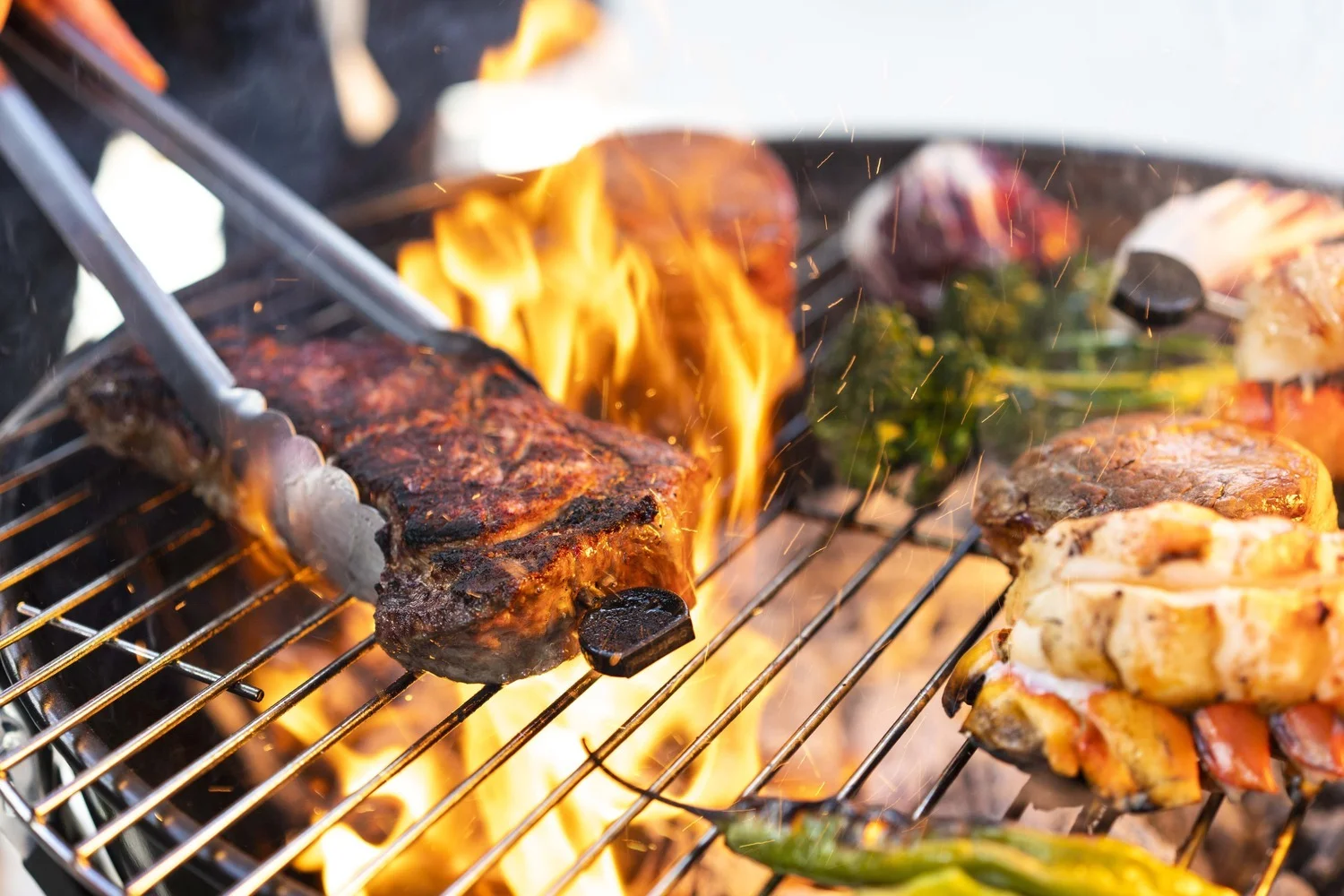
Best for outdoor cooking
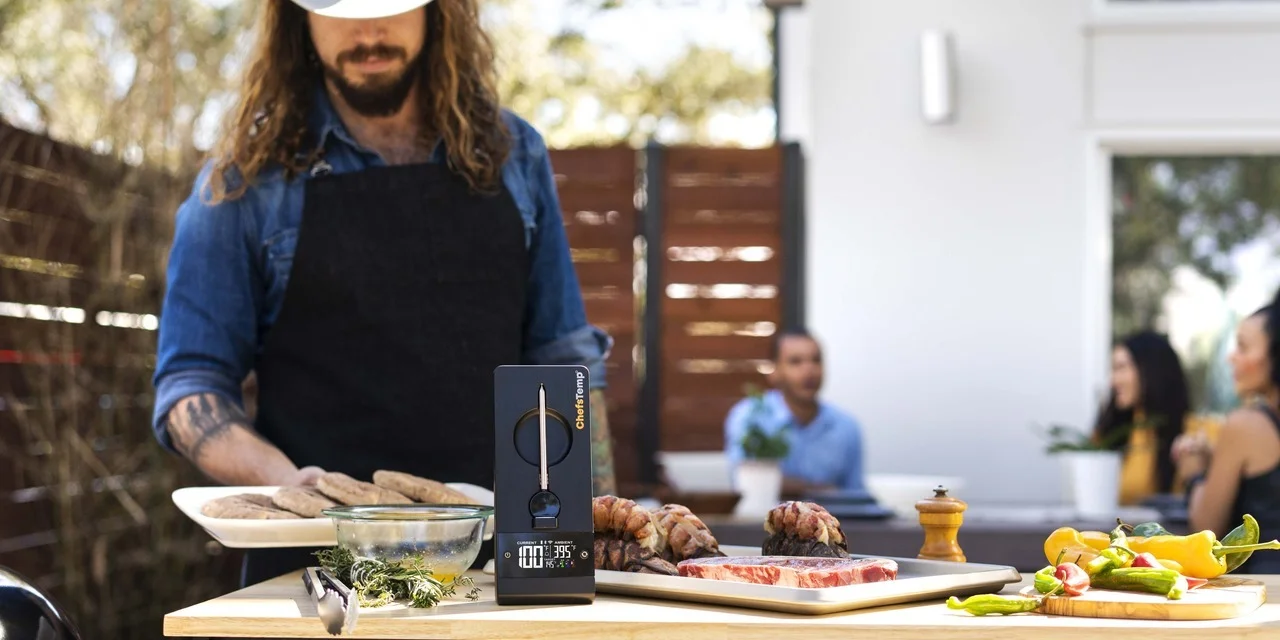
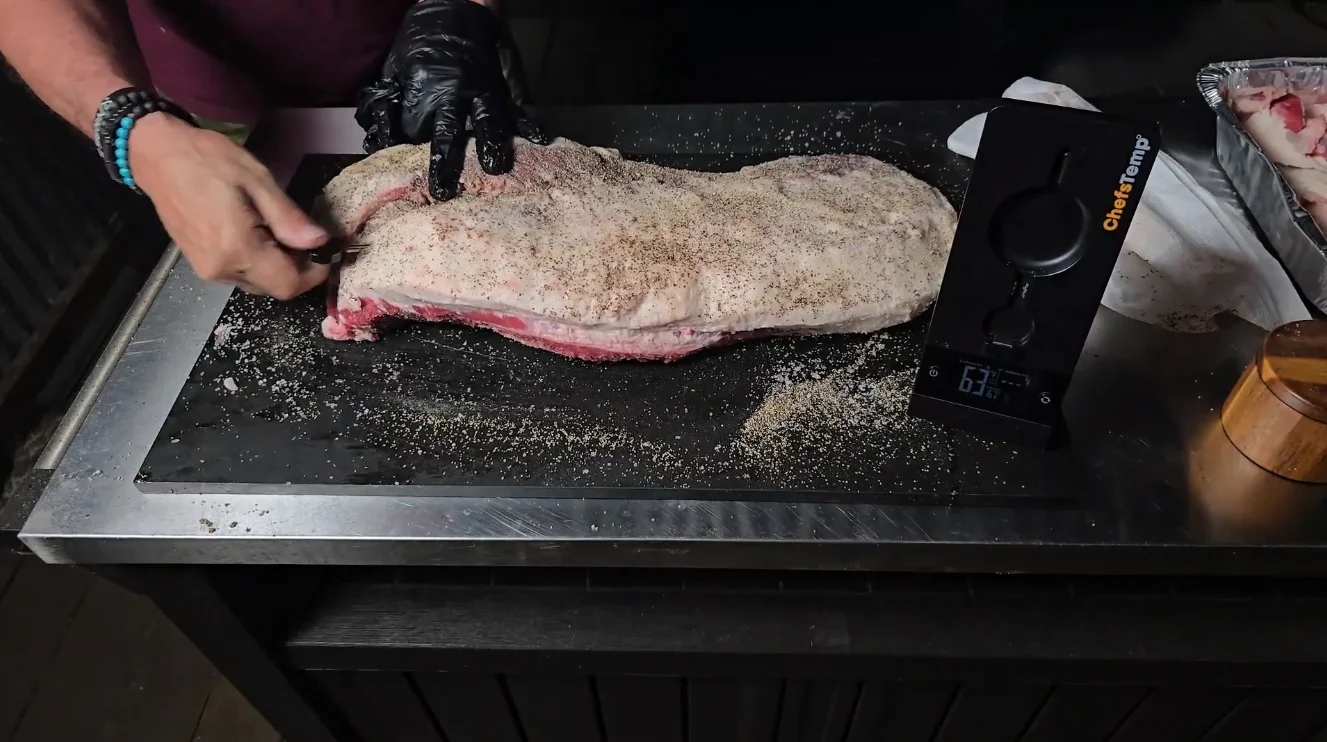
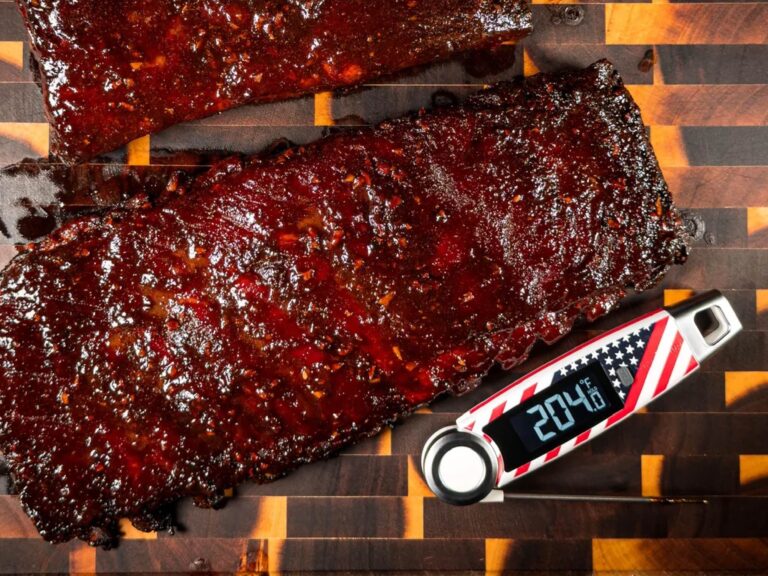
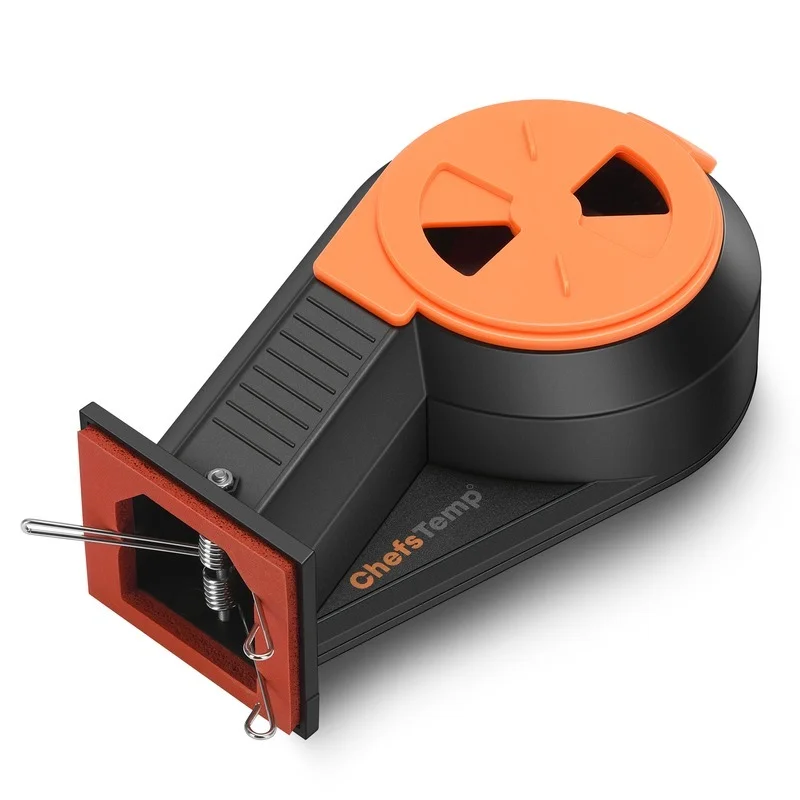
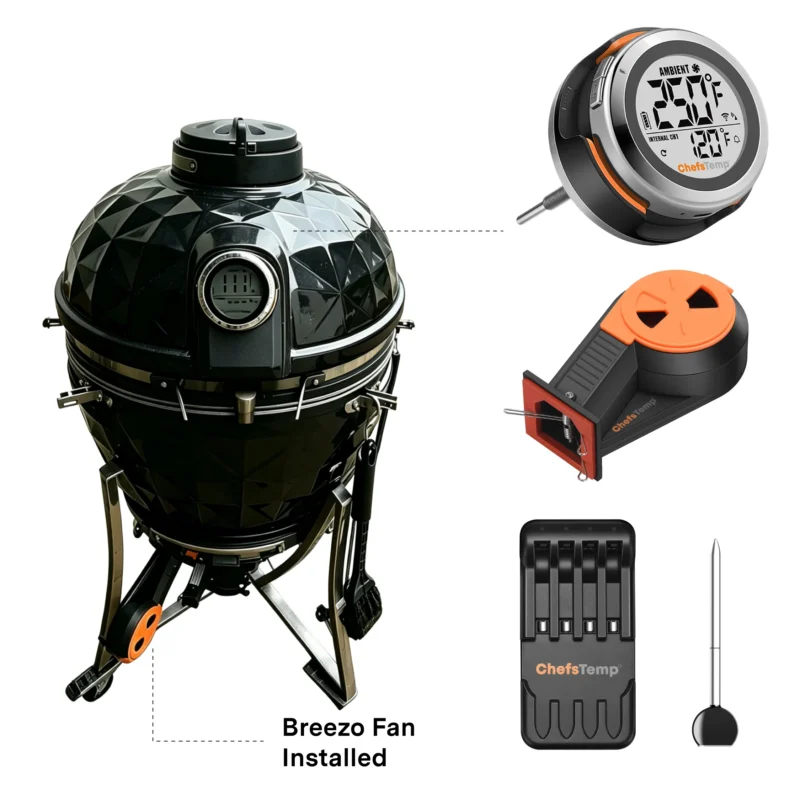
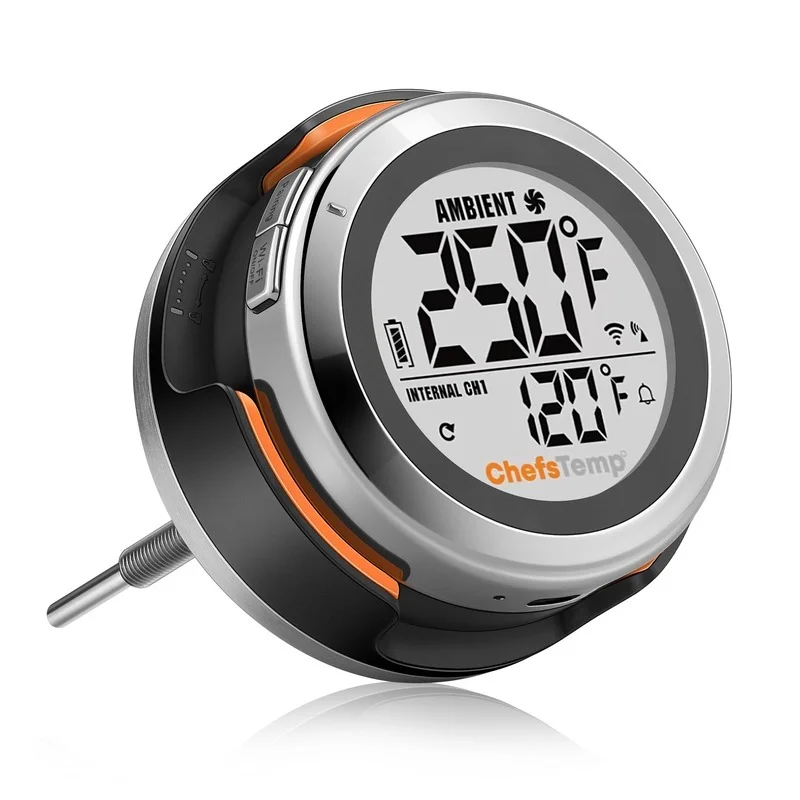
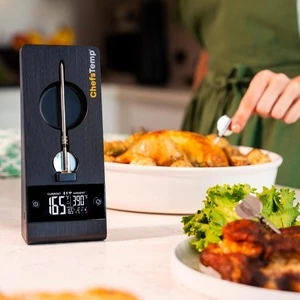
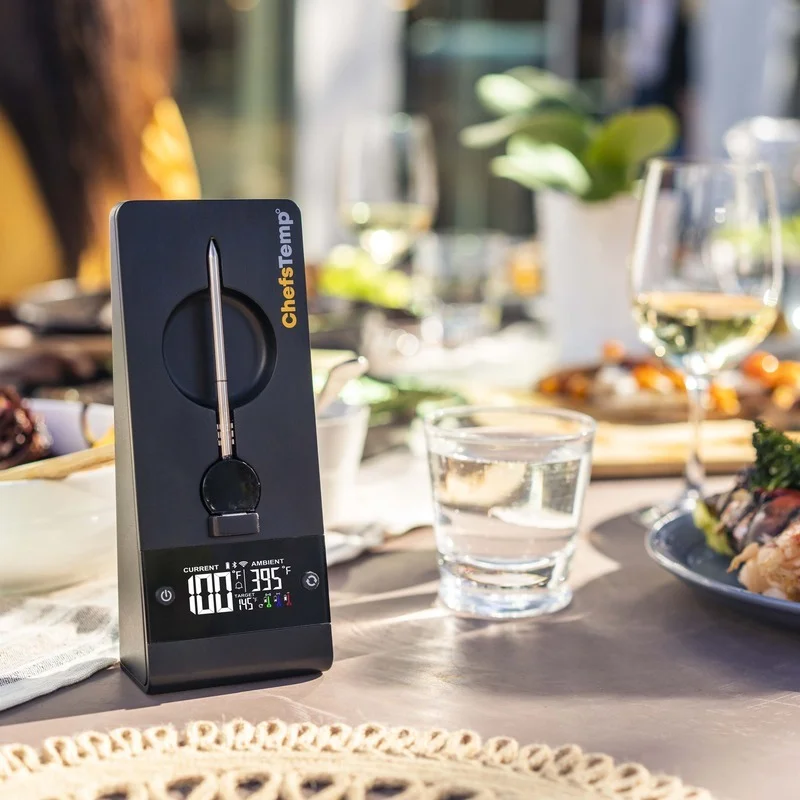
- Dual Display Mode: Large HD screen on the base station — read temperatures directly, even without your phone.
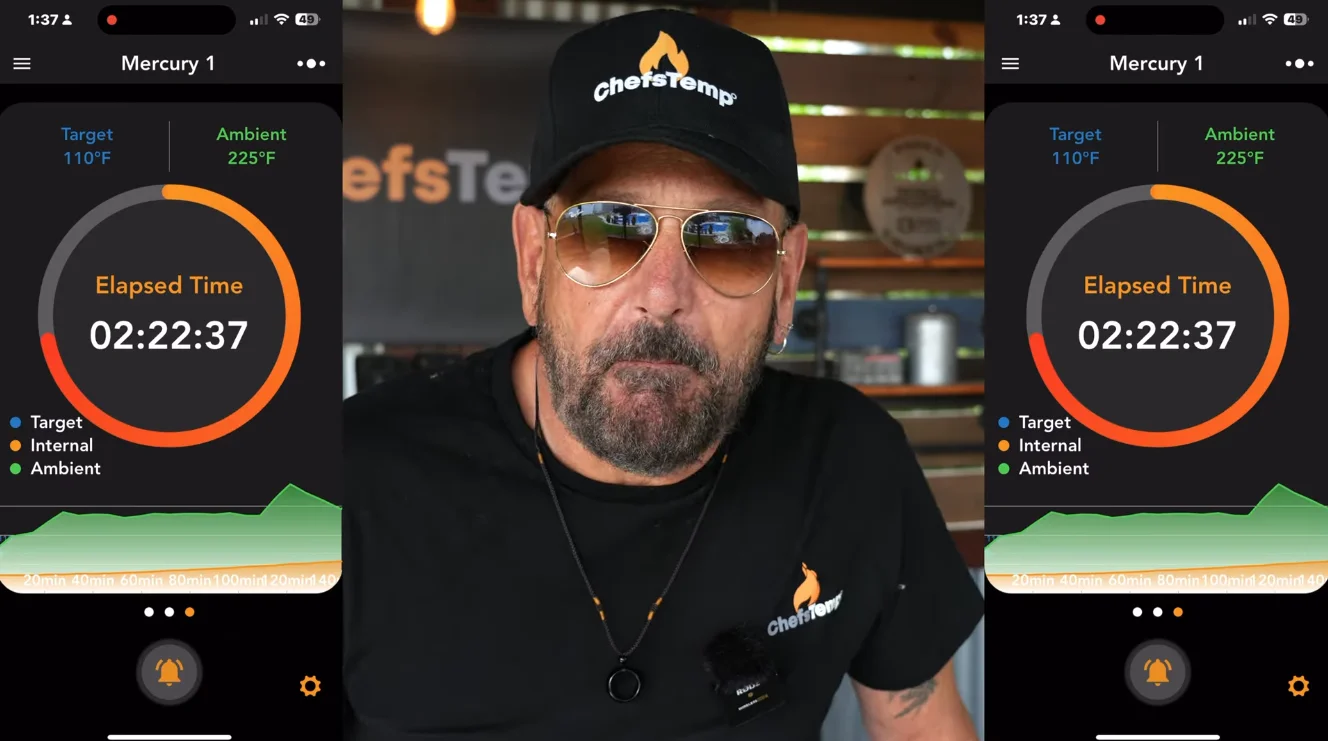
- Cloud Sync: Cooking data is transmitted to the cloud via Wi-Fi — the foundation of true remote monitoring.
- Protection Rating: Base is IP55 splash-resistant; probes are IP68 fully waterproof.
Stay Connected. Cook Anything.
ProTemp Plus solves the common pain point of most wireless thermometers on the market that lose signal as soon as they're inserted into the meat.
Not just for BBQ — widely used in baking, candy making, and other scenarios that demand high-precision temperature management.
See ProTemp Plus in Cooking
Playlist
FAQ
The device is designed to display the ambient temperature only when it exceeds 122°F (50°C). This is because the thermocouple sensor used in our probe requires a temperature difference between the internal meat temperature and the ambient temperature to operate. If the temperature difference is too close, the thermocouple sensor will not work. Therefore, the device only displays ambient temperatures above 50°C (122°F) due to this technical requirement.
Please confirm if your operation is correct. You can refer to the video below for detailed steps: https://www.youtube.com/watch?v=GnfyBm1tOc4&t=2s
If the problem cannot be solved, please refer to the following steps:
- Confirm if you’ve granted Bluetooth and location permissions to the ChefsTemp app, and all the probes are charged.
- Delete current connections: Please ensure you’ve deleted all existing connections in the app.
- Restart the device: After deleting connections, turn off the stand completely, and then restart it.
- Re-pair from the beginning: Once you’ve restarted, try to pair it again from the beginning.
Please follow the steps to delete the connections: https://www.youtube.com/watch?v=cHQxsZHGfKM
If there are still issues, please send us a video of the operation and a video of your LightBlue app for us to analyze (when the stand and probes are charged, word “Probe” will be displayed on the LightBlue screen for each probe, unnumbered, and words “ProTemp Stand” will be displayed for stand).
Check if the buttons are stuck and whether the press sensation on both sides of the buttons is the same, to confirm if the buttons are damaged. If the not, use a charger to charge the stand and then restart it. And please note that the button on the left is designed with different press durations for different functions: a press of 2-3 seconds can turn the device on and a longer press, about 4-5 seconds, can switch it off.
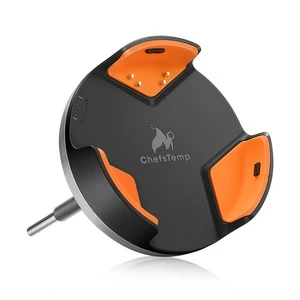
Please note that the port on the left is for charging the stand, while the port on the right allows the stand to charge other devices.
The ProTemp Plus does not support to charge Apple phones. And the charging port only supports Type-C cables.
The purpose of creating an account is to facilitate seamless usage of the device among family members through a single account. Additionally, registering an account enables access to cloud storage services.
Our product utilizes Wi-Fi for cloud data transmission, ensuring seamless connectivity and allowing users to access their temperature data remotely. This is the unique aspect of our thermometer that sets it apart from other Bluetooth-based wireless meat thermometers. To maintain access to cloud data features, account registration is necessary.
Please rest assured that we prioritize the privacy and security of our customers’ personal information. We have stringent measures in place to ensure that your data remains confidential and is not disclosed to any third parties. And our app will not send advertising messages.
Please restart the stand, then place the probe on another socket to charge it. (both the front and back sockets can be used to charge the probe) And please clean the remaining grease on the probe before charging.
Please note that the port on the left is for charging the stand, while the port on the right allows the stand to charge other devices.
Use a high-power charging socket to charge the stand, and be careful not to let the charging port get wet.
To ensure accurate ambient temperature readings, when inserting the probe into the meat, ensure that it’s inserted past the safety notch on the probe. Make sure the ceramic handle of the probe is at least 1cm away from the meat or grill racks. Placing it too close can cause the meat to absorb heat from around the probe, leading to lower temperature readings.
The ambient temperature readout on our wireless probe can be influenced by various factors, like the coldness of the meat or moisture levels. Unlike wired probes, the wireless sensor needs time to adjust and provide readings, different locations can yield different temperatures due to this sensitivity.
Please be careful not to let the probe directly contact high-temperature objects such as flame or furnaces, exceeding the maximum reading range may cause damage to the probe, resulting in inaccurate readings.
If the oven has strong sealing, it may affect the emission of probe signals. Please move the stand to a better signal location to receive the signal emitted by the probe, and test whether the base can receive Wi-Fi signals properly.
If the problem cannot be solved, please refer to the following steps:
Delete current connections: Please ensure you’ve deleted all existing connections in the app.
Restart the device: After deleting connections, turn off the stand completely, and then restart it.
Re-Pair from the beginning: Once you’ve restarted, try to pair it again from the beginning.
Please follow the steps to delete the connections:https://www.youtube.com/watch?v=cHQxsZHGfKM&t=2s
Please refer to the following steps:
Ensure you have the correct Wi-Fi name. You can find it automatically by clicking the “magnifying glass” icon on the Wi-Fi settings page.
Double-check that you’ve entered the right password for your Wi-Fi.
Use 2.4GHz network, the device must be connected to a 2.4GHz network, not a 5GHz one.
Ensure your phone is also using the 2.4GHz network during setup.
For Apple devices, please enable “Allow connecting to your nearby devices” in your settings. This is a recent update in iOS.
Turn on Bluetooth on your device.
Grant location permission to the app for better connectivity.
After making sure the above settings is correct, delete all your current connections, shut off the stand, restart it, and pair it from the beginning. Please follow the steps to delete the connections:https://www.youtube.com/watch?v=cHQxsZHGfKM&t=1s


Devon Stichter (propietario verificado) –
Love my ProTemp Plus. I’m one of the original Kickstarter backers. ChefsTemp has been great in every aspect. This device is my favorite thermometer. I have several other big name brands but non compare. The app is fantastic. Connectivity is great, and temps are spot on. I’ve cooked some of my best dishes with this product. If you are on the fence just go ahead and pull the trigger. You won’t be disappointed. It’s a game changer kitchen product.